Starlink Gen 3 Kit in Kenya – Price, Installation & Setup
Are you looking for a Starlink Gen 3 Kit in Kenya for reliable high-speed satellite internet? The Starlink Gen 3 Kit is designed to provide fast internet connectivity in homes, offices, businesses, rural properties, apartments, farms, and other locations where traditional internet connections may be limited.
At Nemster, we provide Starlink Gen 3 installation and setup services in Kenya. We can help with dish installation, mounting, cable routing, router setup, WiFi configuration, and network extension.
If you are searching for Starlink Gen 3 Kit Kenya, Starlink Gen 3 installation, Starlink Gen 3 price Kenya, or a professional Starlink installer in Nairobi, Nemster can help you get your system properly installed and configured.
What Is the Starlink Gen 3 Kit?
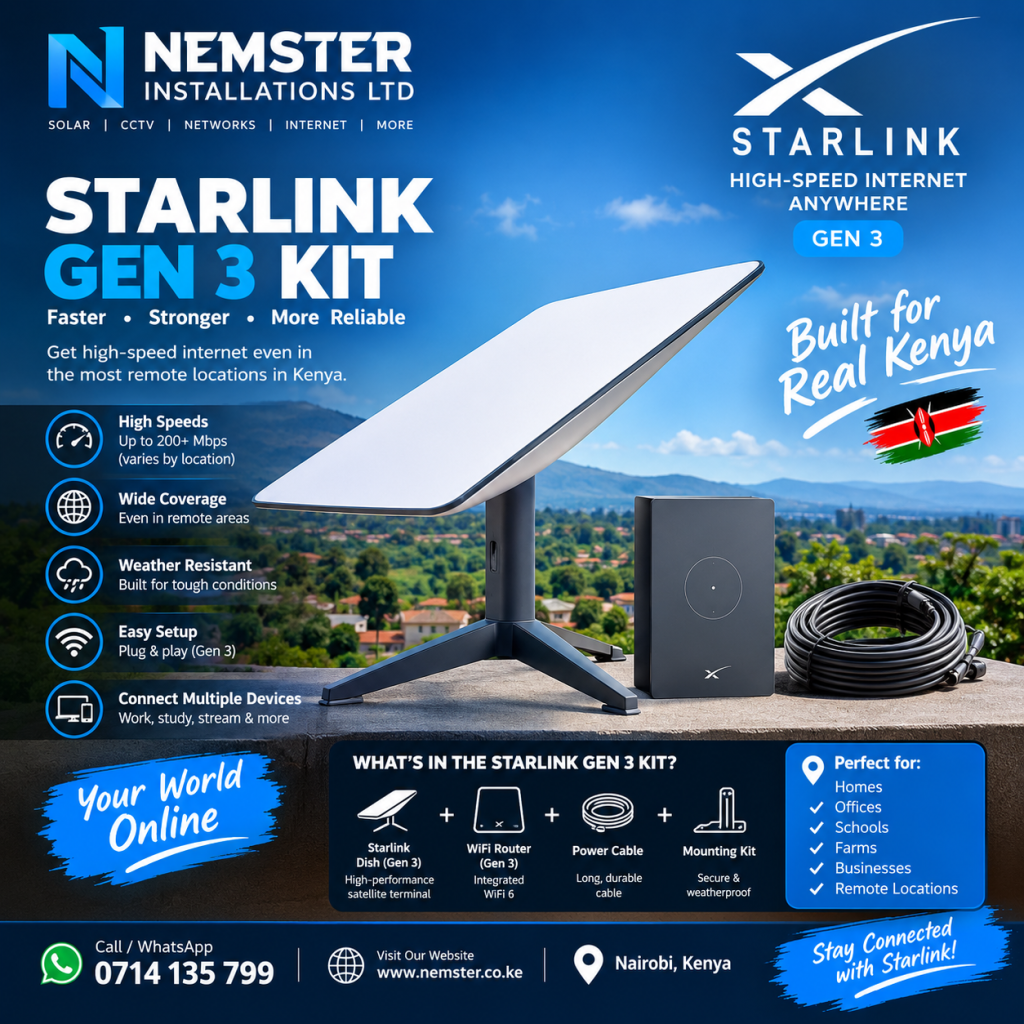
The Starlink Gen 3 Kit is a satellite internet equipment package that allows users to connect to Starlink’s satellite network. The system uses an outdoor satellite dish and networking equipment to provide internet connectivity at the property.
Compared with older Starlink hardware, the Gen 3 equipment is designed with updated hardware and networking features that can make it suitable for modern home and business installations.
A typical Starlink Gen 3 setup includes the main Starlink hardware, power equipment, cables, and WiFi networking equipment required to get the service running.
The exact contents of a kit can vary depending on the package and market, so it is important to confirm the equipment included before purchasing.
Starlink Gen 3 Kit Kenya
The Starlink Gen 3 Kit in Kenya can be used in many different environments. Customers may install Starlink at residential homes, offices, shops, farms, lodges, schools, construction sites, and other properties.
One of the major advantages of satellite internet is that the connection does not depend on conventional terrestrial cables reaching the property. However, the Starlink dish still needs a suitable location with a clear view of the sky.
For this reason, professional installation can be useful when the customer needs a permanent roof, wall, pole, or other mounting solution.
Starlink Gen 3 Kit Installation
Proper installation is an important part of getting reliable performance from your Starlink Gen 3 Kit.
During installation, the technician can assess the property and identify a suitable location for the Starlink dish. The installation may include:
- Mounting the Starlink Gen 3 dish
- Installing the appropriate mounting hardware
- Routing the Starlink cable
- Connecting the Starlink equipment
- Setting up the Starlink router
- Configuring WiFi
- Testing the internet connection
- Checking for obstructions
- Optimizing the WiFi coverage
- Connecting additional networking equipment where required
The final installation method depends on the building, roof structure, available mounting points, cable route, and customer’s requirements.
Starlink Gen 3 Satellite Dish
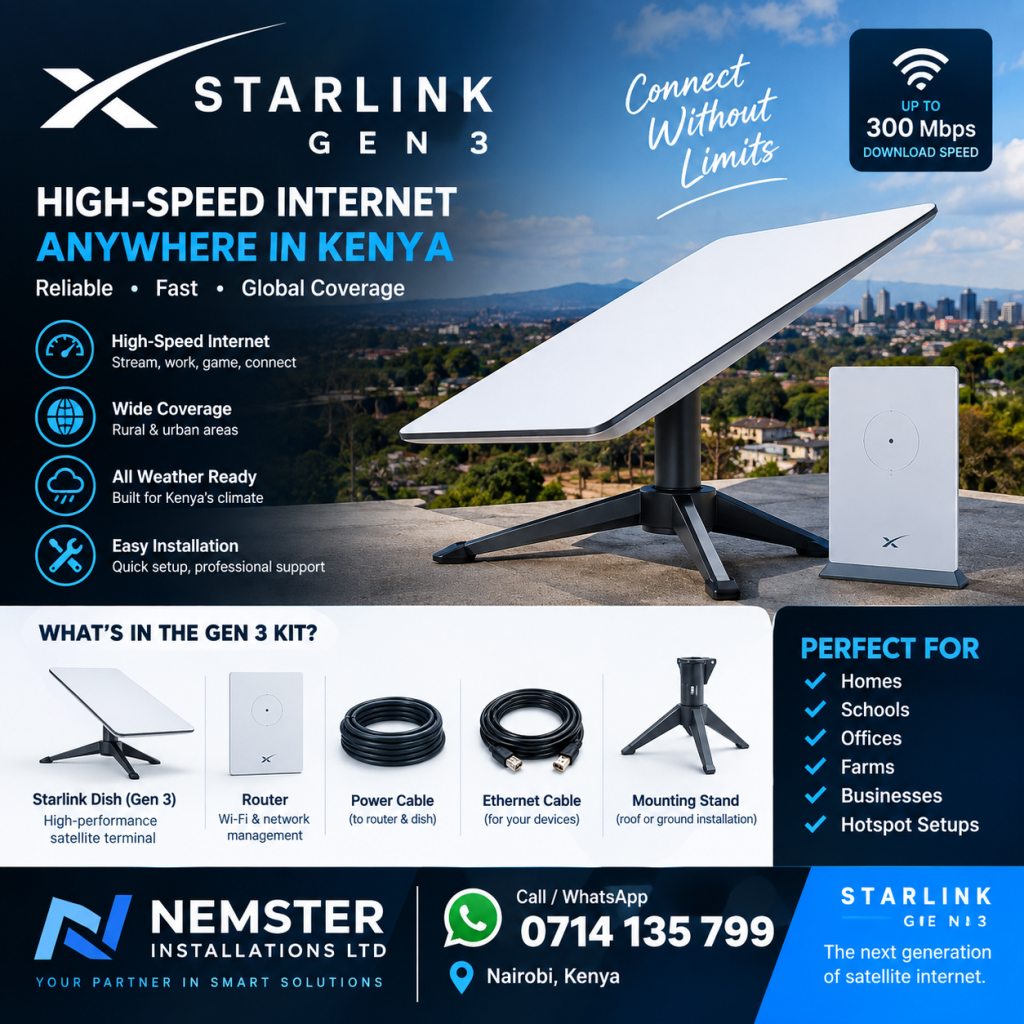
The Starlink Gen 3 satellite dish communicates with satellites in orbit to provide internet connectivity.
The dish should be installed in a location where buildings, trees, walls, poles, and other obstacles do not significantly obstruct its view of the sky.
Before fixing the dish permanently, the installation location should be checked carefully. A poor installation position can result in interruptions or reduced service performance.
For homes and businesses, the dish can be installed using a suitable mounting solution depending on the property.
Starlink Gen 3 Router
The Starlink Gen 3 router provides WiFi connectivity inside the property.
After installing the Starlink dish, the router can be configured to provide wireless internet access to phones, laptops, smart TVs, CCTV systems, computers, and other compatible devices.
For larger properties, the Starlink router may not provide sufficient WiFi coverage everywhere. In such situations, additional access points, mesh equipment, Ethernet networking, or other WiFi extension solutions can be installed.
Starlink Gen 3 WiFi Extension
A Starlink Gen 3 Kit can provide internet to the main building, but larger properties may require additional networking equipment.
For example, if you have a large house, office, apartment building, shop, school, farm, or compound, WiFi access points can be installed in strategic locations.
A professional network installation can help extend the Starlink internet connection to areas where the main router’s WiFi signal is weak.
Possible solutions include:
- WiFi access points
- Ethernet cabling
- Network switches
- Mesh WiFi systems
- Outdoor access points
- Point-to-point wireless links
- MikroTik networking equipment
The appropriate solution depends on the size and layout of the property.
Starlink Gen 3 for Homes
The Starlink Gen 3 Kit can be used for residential internet connectivity.
It can connect devices such as:
- Smartphones
- Computers
- Smart TVs
- Tablets
- Security cameras
- Gaming devices
- Printers
- Smart home devices
For a typical home installation, the dish is positioned outside while the networking equipment is installed in a convenient indoor location.
Starlink Gen 3 for Businesses
Businesses that require internet connectivity can also use Starlink depending on their location and selected Starlink service plan.
A business installation may require more than simply connecting the Starlink router.
For example, a business may need:
- Multiple WiFi access points
- Ethernet cabling
- Network switches
- Guest WiFi
- CCTV connectivity
- POS system connectivity
- Office networking
- Outdoor WiFi
- MikroTik router configuration
Nemster can assist with integrating Starlink with an existing network where additional networking equipment is required.
Starlink Gen 3 for Rural Areas in Kenya
One of the reasons customers consider satellite internet is the ability to obtain connectivity in locations where conventional internet infrastructure may be unavailable or difficult to install.
The Starlink Gen 3 Kit in Kenya can therefore be considered for rural homes, farms, remote offices, lodges, and other properties.
However, service availability, performance, equipment pricing, and subscription options can change. Customers should confirm current Starlink service availability and plan information for their specific location before purchasing.
Starlink Gen 3 Installation in Nairobi
Nemster provides Starlink Gen 3 installation in Nairobi and can assist customers who already have a Starlink kit or are looking for professional installation.
We can help with installation in residential and commercial properties across Nairobi and surrounding areas.
Installation services can include:
- Site assessment
- Dish positioning
- Mounting
- Cable routing
- Router configuration
- WiFi setup
- Internet testing
- WiFi extension where required
For large properties, we can also discuss additional networking requirements.
Starlink Gen 3 Kit Price in Kenya
The Starlink Gen 3 Kit price in Kenya can vary depending on the seller, package, equipment availability, exchange rates, promotions, and other factors.
The total cost of a Starlink installation can also include additional items such as:
- Starlink kit
- Mounting hardware
- Installation labor
- Cable accessories
- Network switches
- WiFi access points
- Ethernet cables
- Additional networking equipment
Because equipment prices and Starlink plans can change, customers should confirm the current kit and service pricing before placing an order.
Why Professional Starlink Installation Matters
Buying a Starlink Gen 3 Kit is only one part of setting up a reliable internet system.
The installation location, cable routing, mounting method, power arrangement, WiFi coverage, and network configuration can all affect the final setup.
A professional installer can help identify potential problems before the equipment is permanently installed.
This is particularly useful for:
- Large houses
- Offices
- Apartments
- Commercial buildings
- Farms
- Rural properties
- Schools
- Shops
- Hotels
- Warehouses
Starlink Gen 3 Setup Process
A typical installation process can follow these steps:
1. Property Assessment
The technician identifies a suitable location for the dish and checks the proposed installation area.
2. Dish Installation
The Starlink Gen 3 dish is installed using an appropriate mounting method.
3. Cable Installation
The cable is routed from the dish to the networking equipment while keeping the installation neat and protected.
4. Router Setup
The Starlink router is connected and configured.
5. WiFi Configuration
The WiFi network name and password can be configured according to the customer’s requirements.
6. Internet Testing
The connection is tested to confirm that the Starlink system is communicating correctly.
7. WiFi Extension
If the property requires wider coverage, additional access points or networking equipment can be installed.
Starlink Gen 3 vs Starlink Mini
The Starlink Gen 3 Kit and Starlink Mini are different Starlink hardware options designed for different use cases.
The appropriate option depends on factors such as:
- Property size
- Portability requirements
- Number of connected devices
- Internet usage
- Installation environment
- WiFi requirements
Customers should choose equipment based on their actual requirements rather than simply selecting the newest or largest option.
Starlink Gen 3 Kit Maintenance
After installation, it is important to keep the equipment in good condition.
Customers should periodically check:
- Dish mounting
- Cable condition
- Connectors
- Router operation
- Power connections
- WiFi coverage
- Physical obstructions
If the connection develops problems, professional troubleshooting can help determine whether the issue is related to the Starlink service, equipment, power, cabling, WiFi, or another part of the network.
Starlink Gen 3 Installation and Networking by Nemster
Nemster provides professional Starlink installation, networking, WiFi extension, CCTV, electrical, solar, and TV mounting services in Kenya.
For customers who need more than basic Starlink installation, we can also help integrate the Starlink connection into an existing network.
This can include connecting:
- WiFi access points
- Network switches
- CCTV systems
- Computers
- Smart TVs
- Office networks
- Outdoor WiFi
- Additional routers
Our goal is to provide a clean and functional installation suited to the customer’s property.
Frequently Asked Questions
How much is the Starlink Gen 3 Kit in Kenya?
The price can change depending on the current Starlink equipment package, seller, availability, and applicable promotions. Contact Nemster for current installation and equipment pricing.
Can Starlink Gen 3 be installed on a roof?
Yes. A suitable mounting solution can be used when the roof provides an appropriate installation location and clear sky view.
Does Starlink Gen 3 work in rural Kenya?
Starlink can provide satellite internet connectivity in areas where the service is available. The property should also have a suitable installation location with a clear view of the sky.
Can Starlink Gen 3 connect to CCTV?
Yes. CCTV equipment can be connected to a Starlink-based network when the network is configured appropriately.
Can Starlink Gen 3 cover a large house?
The main router’s WiFi coverage may not be sufficient for every large property. Additional access points or other WiFi extension equipment can be used where necessary.
Can Starlink Gen 3 be used for business?
Yes, Starlink can be used for business connectivity where the service is available. Business networking requirements should be assessed based on the number of users and devices.
Do I need professional Starlink installation?
Simple setups may be possible for customers who are comfortable installing the equipment themselves. Professional installation can be useful for permanent mounting, difficult roofs, cable routing, large properties, or integrated networking.
Contact Nemster for Starlink Gen 3 Installation
Looking for a Starlink Gen 3 Kit in Kenya or professional Starlink Gen 3 installation?
Nemster can assist with Starlink installation, mounting, router setup, WiFi configuration, networking, and WiFi extension.
Call or WhatsApp: 0714135799
We provide professional Starlink, CCTV, solar, electrical, networking, and TV mounting installation services in Kenya.
SEO Details
Focus Keyword: Starlink Gen 3 Kit
SEO Title: Starlink Gen 3 Kit Kenya: Price, Installation & Setup
URL Slug: starlink-gen-3-kit-kenya
Meta Description: Looking for a Starlink Gen 3 Kit in Kenya? Learn about Starlink Gen 3 price, installation, setup, WiFi extension and professional installation by Nemster.
Secondary Keywords: Starlink Gen 3 Kenya, Starlink Gen 3 satellite dish, Starlink Gen 3 installation Kenya, Starlink Gen 3 price Kenya, Starlink Gen 3 router, Starlink installer Nairobi, Starlink installation Nairobi, Starlink Gen 3 setup, Starlink internet Kenya.