Starlink Gen 3 Internet Kenya – Fast Satellite Internet, Price & Installation
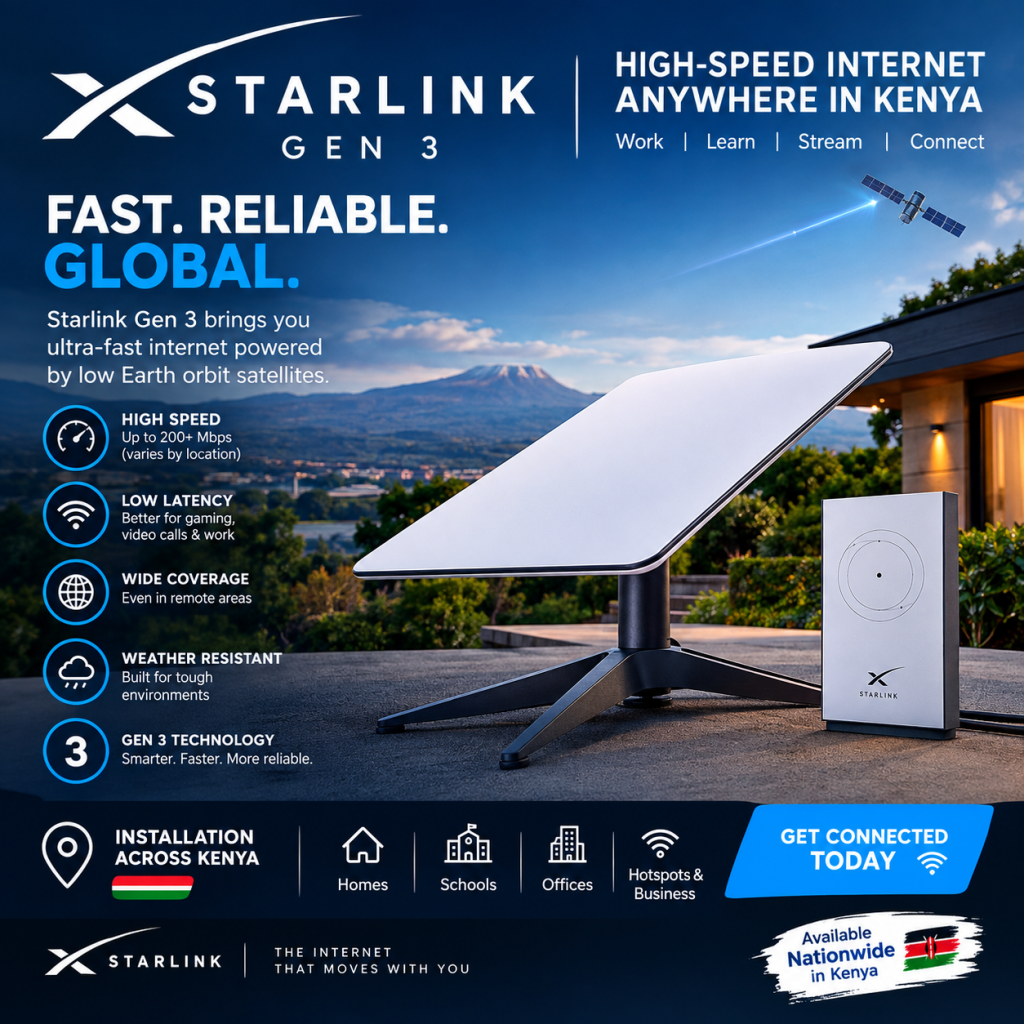
Looking for reliable Starlink Gen 3 internet in Kenya? Starlink Gen 3 provides satellite internet connectivity for homes, offices, businesses, farms, apartments, shops, schools, and properties where customers need an alternative to traditional wired internet.
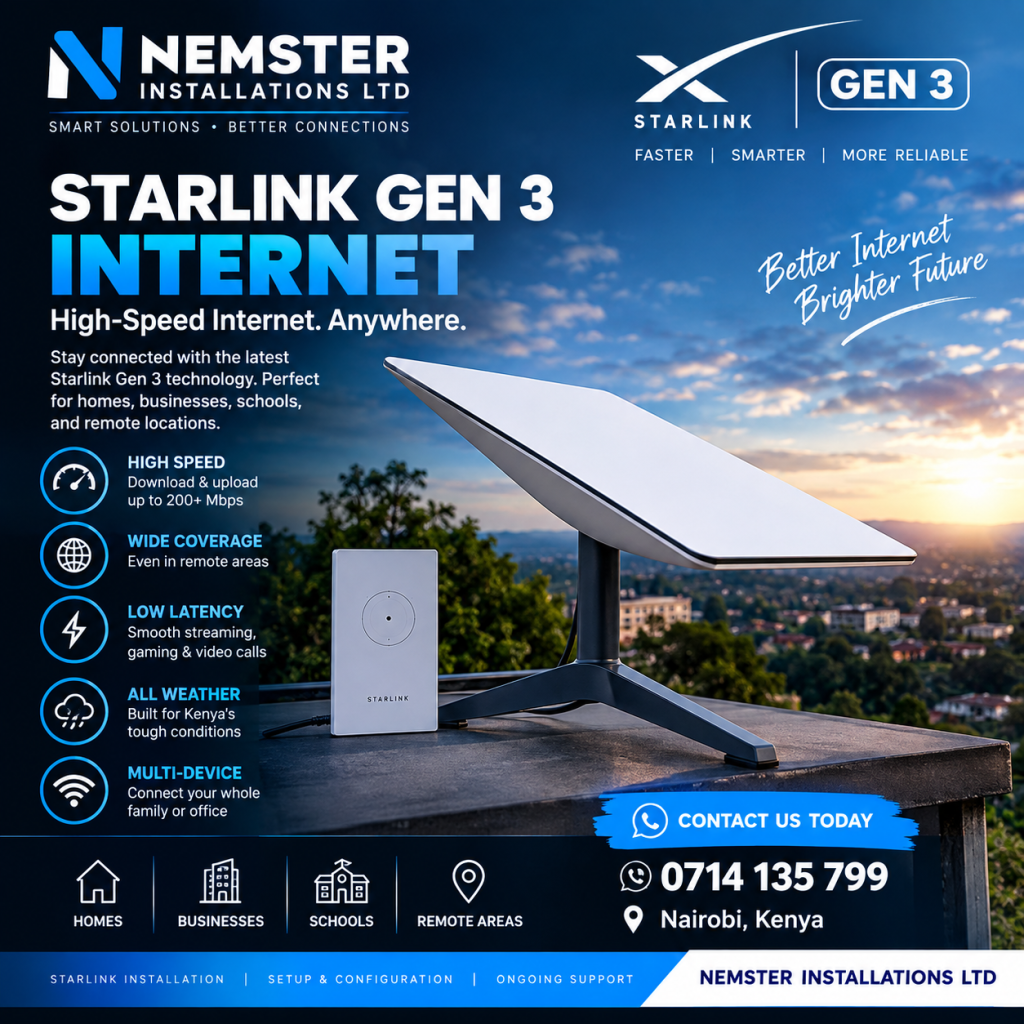
The Starlink Gen 3 system uses a satellite dish and WiFi router to connect your property to the Starlink satellite network. With a properly installed dish and suitable service plan, customers can use the connection for browsing, streaming, video calls, online work, cloud services, CCTV connectivity, and other internet activities.
Nemster provides Starlink Gen 3 installation in Kenya, including dish mounting, cable routing, router setup, WiFi configuration, networking, and WiFi extension.
Call or WhatsApp Nemster: 0714135799
What Is Starlink Gen 3 Internet?
Starlink Gen 3 internet is a satellite broadband internet service that uses Starlink’s satellite network to provide internet connectivity.
Instead of receiving internet through fiber or traditional fixed telephone infrastructure, the Starlink dish communicates with satellites.
A typical Starlink Gen 3 setup consists of:
- Starlink satellite dish
- Gen 3 WiFi router
- Starlink cable
- Power equipment
- Mounting equipment
The exact contents can depend on the kit purchased.
Starlink Gen 3 Internet in Kenya
Starlink Gen 3 internet in Kenya can be used for residential and commercial connectivity where Starlink service is available.
It can be suitable for:
- Homes
- Offices
- Businesses
- Apartments
- Farms
- Hotels
- Schools
- Shops
- Rural properties
- Construction sites
The performance you experience depends on factors such as the selected Starlink service plan, network conditions, obstructions, WiFi setup, and the number of connected devices.
Starlink Gen 3 Internet Speed
One of the most common questions is about Starlink Gen 3 internet speed.
The Gen 3 hardware itself is not a fixed internet-speed plan. Actual speeds depend on the Starlink service plan and network conditions.
Internet performance can vary according to:
- Location
- Network congestion
- Service plan
- Obstructions
- Weather
- WiFi conditions
- Number of connected devices
- Network configuration
For this reason, customers should not assume that every Starlink Gen 3 installation will provide the same speed.
Starlink Gen 3 Internet for Home
The Starlink Gen 3 internet system can be used for everyday home connectivity.
You can connect devices such as:
- Smartphones
- Laptops
- Desktop computers
- Smart TVs
- Tablets
- Gaming consoles
- Printers
- CCTV systems
- Smart home devices
For a small or medium-sized home, the Starlink router may provide sufficient WiFi coverage.
For a larger house, additional access points can be installed to extend the WiFi network.
Starlink Gen 3 Internet for Business
Businesses require reliable connectivity for daily operations.
Starlink Gen 3 internet can be integrated into a business network for:
- Office computers
- Cloud applications
- Video meetings
- POS systems
- CCTV
- Printers
- Business WiFi
- Guest WiFi
- Mobile devices
A larger business may require additional networking equipment such as a MikroTik router, network switch, Ethernet cabling, and multiple WiFi access points.
Nemster can help configure Starlink as part of a complete business network.
Starlink Gen 3 Internet Installation
Professional Starlink Gen 3 internet installation involves more than simply placing the dish outside.
The installation process can include:
1. Site Assessment
The installation area is checked for a suitable location and potential obstructions.
2. Dish Positioning
The Starlink dish is placed where it has a suitable view of the sky.
3. Mounting
The dish is securely mounted using an appropriate mounting solution.
4. Cable Routing
The Starlink cable is routed neatly from the dish to the indoor equipment.
5. Router Setup
The Gen 3 router is connected and configured.
6. WiFi Configuration
The WiFi network is configured for the customer’s devices.
7. Internet Testing
The connection is tested after installation.
8. WiFi Extension
Additional access points can be installed if the customer requires wider coverage.
Starlink Gen 3 Internet in Nairobi
Nemster provides Starlink Gen 3 internet installation in Nairobi and surrounding areas.
We can assist customers in areas including:
- Westlands
- Runda
- Karen
- Gigiri
- Lavington
- Kilimani
- Kileleshwa
- Upper Hill
- Langata
- South B
- South C
- Embakasi
- Umoja
- Buruburu
- Kasarani
- Roysambu
- Githurai
- Ruiru
- Kiambu
- Thika
- Kikuyu
If you are outside Nairobi, contact Nemster with your location to discuss installation availability.
Starlink Gen 3 Internet for Rural Areas
One of the reasons customers consider Starlink is that satellite internet can provide another connectivity option in locations where conventional broadband infrastructure may be limited.
This can make Starlink relevant for:
- Rural homes
- Farms
- Remote offices
- Lodges
- Construction sites
- Schools
- Businesses outside major towns
However, Starlink service availability and plan options should be confirmed for the specific location before purchasing.
Starlink Gen 3 Internet and WiFi Extension
The Starlink dish provides the internet connection, while the router provides WiFi inside the property.
Large properties may require additional WiFi equipment.
Nemster can install:
- WiFi access points
- Ethernet cables
- Network switches
- Mesh WiFi
- Outdoor access points
- MikroTik routers
- Point-to-point wireless links
This allows the Starlink connection to be distributed to different rooms, buildings, offices, or outdoor areas.
Starlink Gen 3 Internet for Apartments
Apartments can have unique networking requirements.
A single Starlink router may not provide sufficient coverage throughout an entire apartment building.
For multi-unit properties, the network can be designed using:
- Ethernet cabling
- Network switches
- Access points
- VLANs
- Guest networks
- MikroTik routers
For apartment WiFi projects, the number of users and physical layout should be considered before choosing the equipment.
Starlink Gen 3 Internet for CCTV
Starlink Gen 3 can also be used as the internet connection for a CCTV system.
A properly configured network can allow compatible CCTV equipment to access the internet for remote monitoring.
A typical setup can include:
Starlink → Router → Network Switch → NVR/Cameras
For larger CCTV installations, the network should be designed according to the number of cameras and other connected devices.
Starlink Gen 3 Internet Price Kenya
The Starlink Gen 3 internet price in Kenya has two main parts to consider:
- Hardware cost
- Monthly internet subscription
The hardware price can change depending on Starlink promotions, availability, and the seller.
The monthly subscription also depends on the Starlink service plan selected.
Customers should confirm current Starlink pricing before ordering because prices and available plans can change.
Starlink Gen 3 Price Kenya
If you are searching for Starlink Gen 3 price Kenya, you may be looking for either the hardware price or the complete cost of getting Starlink working at your property.
Your total setup cost may include:
- Starlink Gen 3 Kit
- Mounting equipment
- Installation
- Cable accessories
- WiFi access points
- Network switches
- Ethernet cables
- Monthly Starlink subscription
A simple home installation will have different requirements from a large office, apartment, school, or commercial property.
Starlink Gen 3 Internet vs Fiber Internet
Starlink and fiber use different technologies.
Starlink
Starlink uses satellites to provide internet connectivity.
Fiber
Fiber internet uses physical fiber-optic cables to deliver internet to the property.
The appropriate option depends on your location, availability, pricing, speed requirements, installation conditions, and intended use.
For customers without suitable fiber availability, Starlink can provide another connectivity option.
How to Improve Starlink Gen 3 WiFi
If your Starlink internet works well near the router but becomes weak in other rooms, the issue may be WiFi coverage rather than the satellite connection.
You can improve coverage by:
- Moving the router to a better location
- Installing Ethernet access points
- Using a suitable mesh system
- Adding outdoor access points
- Using network switches
- Running structured Ethernet cabling
For large properties, professional WiFi planning can provide better coverage than simply adding random routers.
Common Starlink Gen 3 Internet Problems
Customers may experience different problems after installation.
Common issues include:
- Weak WiFi
- Obstructions
- Cable problems
- Router configuration issues
- Power interruptions
- Poor network coverage
- Too many connected devices
- Incorrect network configuration
Not every internet problem is caused by the Starlink satellite connection.
For example, a customer may have good Starlink connectivity but poor WiFi because the router is too far from the room being used.
Professional Starlink Gen 3 Internet Installation by Nemster
Nemster provides Starlink Gen 3 internet installation services in Kenya.
Our services include:
- Starlink dish installation
- Starlink mounting
- Cable routing
- Router setup
- WiFi configuration
- WiFi extension
- Network installation
- CCTV networking
- MikroTik configuration
- Troubleshooting
We work with residential and commercial customers.
Why Choose Nemster?
Nemster provides installation services for customers who need more than just the Starlink dish installed.
We can help build a complete internet network around your Starlink connection.
This can include WiFi coverage for:
- Homes
- Offices
- Shops
- Apartments
- Farms
- Hotels
- Schools
- Businesses
The network can be designed according to the size of your property and the number of users and devices.
Frequently Asked Questions
What is Starlink Gen 3 internet?
Starlink Gen 3 internet is satellite broadband internet delivered through Starlink’s satellite network using Gen 3 hardware.
Is Starlink Gen 3 available in Kenya?
Starlink provides service in Kenya, subject to service availability and the applicable service plan for the customer’s location.
Is Starlink Gen 3 good for home internet?
It can be used for home internet where the service is available. The actual experience depends on the service plan, location, network conditions, obstructions, and WiFi setup.
Can Starlink Gen 3 support CCTV?
Yes. CCTV equipment can be connected to a properly configured Starlink network.
Can I extend Starlink WiFi?
Yes. Additional access points, Ethernet cabling, mesh equipment, or other networking solutions can be used.
Does Starlink Gen 3 need a clear view of the sky?
The dish needs a suitable view of the sky. Obstructions can cause interruptions to the connection.
Can Starlink Gen 3 be used for business?
Yes. It can be integrated into residential and business networks, although larger networks may require additional networking equipment.
Get Starlink Gen 3 Internet in Kenya
Looking for Starlink Gen 3 internet in Kenya?
Nemster can help with Starlink installation, mounting, router configuration, WiFi extension, networking, and troubleshooting.
Call or WhatsApp: 0714135799
Nemster – Professional Starlink, CCTV, Solar, Electrical, Networking & TV Mounting Installation in Kenya.
SEO Details
Focus Keyword: Starlink Gen 3 Internet
SEO Title: Starlink Gen 3 Internet Kenya – Price, Speed & Installation
URL Slug: starlink-gen-3-internet-kenya
Meta Description: Looking for Starlink Gen 3 internet in Kenya? Learn about Starlink Gen 3 price, speed, installation, WiFi coverage, setup and professional installation.
Secondary Keywords: Starlink Gen 3 internet Kenya, Starlink Gen 3 internet price Kenya, Starlink Gen 3 speed, Starlink internet Kenya, Starlink Gen 3 installation Kenya, Starlink Gen 3 WiFi, Starlink Gen 3 router, Starlink internet Nairobi, Starlink installer Nairobi, Starlink Gen 3 setup.