Starlink Gen 3 Installation in Kenya – Professional Setup, Mounting & WiFi
Looking for Starlink Gen 3 installation in Kenya? Nemster provides professional Starlink installation, dish mounting, router setup, cable routing, WiFi configuration, and network extension for homes, offices, businesses, apartments, farms, and other properties.
The Starlink Gen 3 system provides satellite internet connectivity without requiring traditional wired internet infrastructure to reach your property. However, getting the best results from your installation requires proper dish positioning, secure mounting, correct cable routing, and suitable WiFi configuration.
Whether you have already purchased a Starlink Gen 3 Kit or need help planning a complete installation, Nemster can assist.
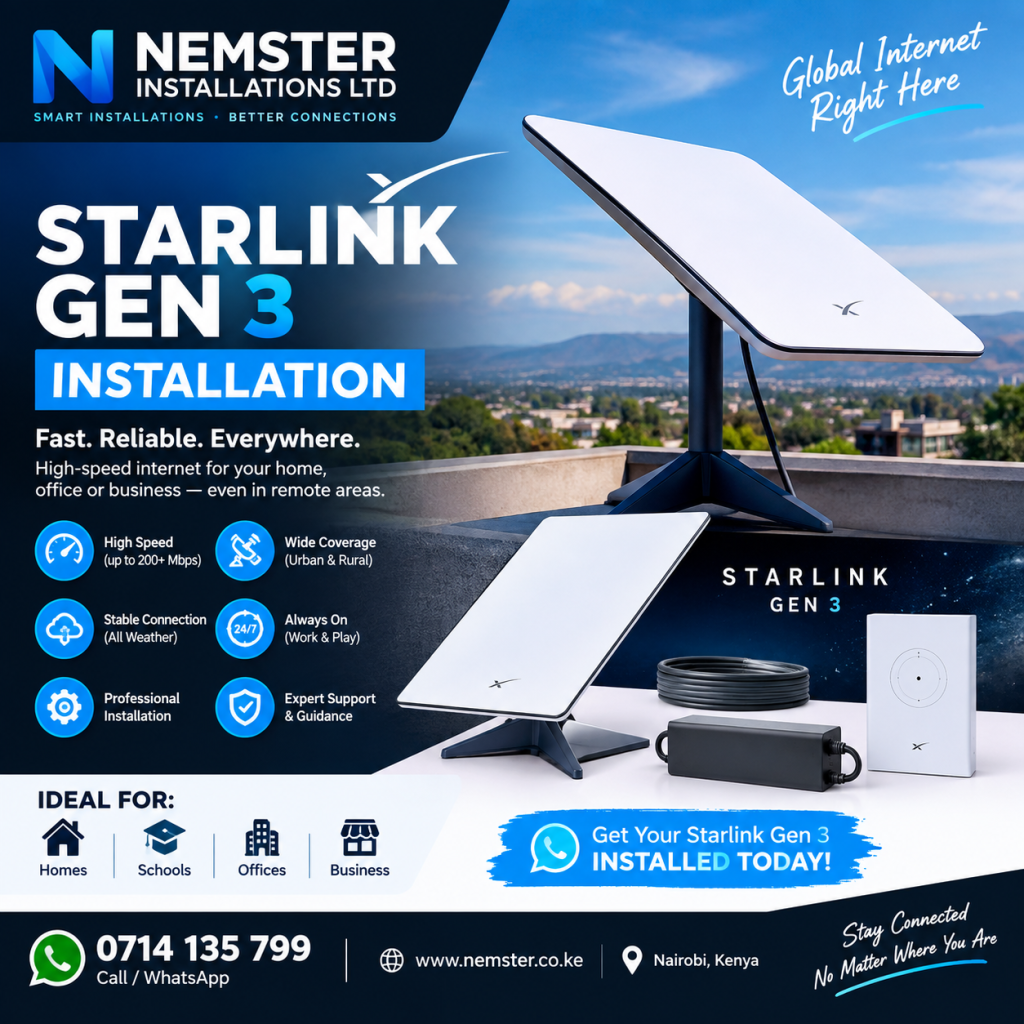
Call or WhatsApp Nemster: 0714135799
What Is Starlink Gen 3 Installation?
Starlink Gen 3 installation involves setting up the Starlink satellite dish, connecting the required equipment, configuring the router, and testing the internet connection.
A professional installation may include:
- Starlink Gen 3 dish mounting
- Dish positioning
- Obstruction assessment
- Cable routing
- Router installation
- WiFi configuration
- Power connection checks
- Internet testing
- Network configuration
- WiFi extension
The exact installation method depends on the property and the customer’s requirements.
Starlink Gen 3 Installation Kenya
The Starlink Gen 3 installation in Kenya can be suitable for residential and commercial properties where Starlink service is available.
Nemster provides installation services for different types of properties, including:
- Homes
- Apartments
- Offices
- Shops
- Farms
- Hotels
- Schools
- Warehouses
- Construction sites
- Rural properties
- Commercial buildings
Before installation, the technician can assess the property and determine where the Starlink dish and networking equipment should be positioned.
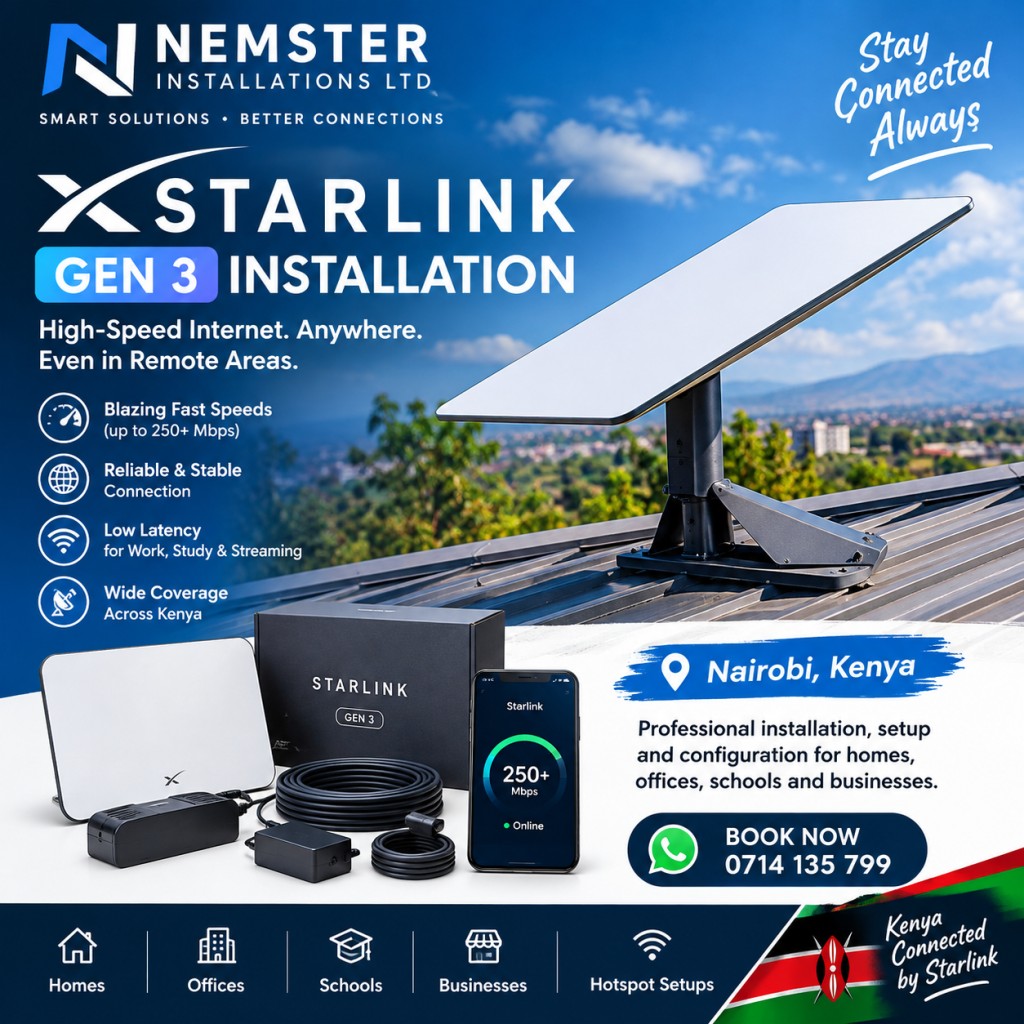
Starlink Gen 3 Dish Installation
The satellite dish is one of the most important parts of the Starlink system.
The dish requires a suitable location with a clear view of the sky. Buildings, trees, walls, poles, and other obstructions can interfere with the satellite connection.
During Starlink Gen 3 dish installation, the installer can identify a suitable location and select an appropriate mounting method.
Depending on the property, the dish may be installed using a suitable:
- Roof mount
- Wall mount
- Pole mount
- Ground installation
- Other compatible mounting solution
The mounting method should provide a secure installation while protecting the equipment and allowing appropriate cable routing.
Starlink Gen 3 Installation in Nairobi
Nemster offers Starlink Gen 3 installation in Nairobi and surrounding areas.
We can assist customers who need Starlink installation for homes, offices, apartments, businesses, and other properties.
Areas in and around Nairobi where customers may require Starlink installation include:
- Westlands
- Karen
- Runda
- Gigiri
- Lavington
- Langata
- South B
- South C
- Kilimani
- Kileleshwa
- Upper Hill
- Roysambu
- Kasarani
- Embakasi
- Umoja
- Buruburu
- Githurai
- Ruiru
- Kiambu
- Kikuyu
- Limuru
- Thika
If your location is outside Nairobi, contact Nemster to discuss installation availability.
Starlink Gen 3 Installation Process
A professional Starlink installation can be completed through several stages.
1. Site Assessment
The first step is checking the property and identifying a suitable location for the Starlink dish.
The installer considers the roof, walls, surrounding buildings, trees, and other potential obstructions.
2. Dish Positioning
The Starlink dish is positioned in an appropriate location to provide a suitable view of the sky.
Correct positioning is important because obstructions can cause interruptions to the connection.
3. Mounting the Dish
The dish is securely mounted using a suitable mounting solution.
The mounting method depends on the property structure and the customer’s requirements.
4. Cable Routing
The Starlink cable is routed from the outdoor dish to the indoor equipment.
A clean cable installation helps protect the cable and keeps the property looking neat.
5. Router Installation
The Starlink router is connected and positioned in a suitable location.
The router location should also be considered carefully because it affects WiFi coverage inside the property.
6. WiFi Configuration
The WiFi network can then be configured for the customer’s devices.
This can include connecting:
- Smartphones
- Laptops
- Computers
- Smart TVs
- CCTV systems
- Printers
- Tablets
- Other network devices
7. Connection Testing
The system is tested after installation to confirm that the Starlink equipment and network are working correctly.
Why Starlink Gen 3 Installation Location Matters
The location of the Starlink dish can have a significant effect on the reliability of the connection.
A location with obstructions can result in interruptions.
Potential obstructions include:
- Tall trees
- Buildings
- Walls
- Chimneys
- Poles
- Roof structures
- Other objects
For this reason, the dish should not simply be placed anywhere on the roof.
A proper site assessment helps identify a more appropriate installation position.
Starlink Gen 3 Router Setup
The Starlink Gen 3 router provides WiFi connectivity for devices inside the property.
During installation, the router can be configured and tested.
For smaller homes, the router may provide sufficient coverage. However, larger buildings can require additional access points.
For example, an office with several rooms may need Ethernet-connected access points to provide more consistent WiFi coverage.
Starlink Gen 3 WiFi Extension
Installing Starlink does not automatically guarantee strong WiFi coverage throughout a large property.
If the Starlink router cannot adequately cover every room, Nemster can help with Starlink WiFi extension.
Depending on the property, solutions may include:
- Additional WiFi access points
- Ethernet cabling
- Network switches
- Mesh WiFi
- Outdoor access points
- MikroTik networking equipment
- Point-to-point wireless links
A WiFi extension system can be designed according to the size and layout of the property.
Starlink Gen 3 for Homes
Many homeowners choose satellite internet where they require a reliable internet connection and suitable Starlink service is available.
A Starlink Gen 3 installation can provide connectivity for everyday devices such as smartphones, laptops, smart TVs, computers, and smart home equipment.
For larger homes, additional WiFi access points can be installed to improve coverage.
Starlink Gen 3 for Businesses
Businesses can also require professional Starlink installation.
A business network may include many users and devices, meaning the installation needs to consider more than the satellite dish.
Nemster can help with Starlink networking for:
- Offices
- Shops
- Hotels
- Restaurants
- Schools
- Warehouses
- Workshops
- Farms
- Commercial buildings
Additional equipment such as network switches, access points, Ethernet cables, and routers may be required depending on the network design.
Starlink Gen 3 and CCTV
Starlink can also provide internet connectivity for compatible CCTV systems.
Once the Starlink connection is properly configured, network cameras or an NVR can be connected to the network.
This can be useful for properties that need both internet access and remote CCTV monitoring.
The CCTV system should be configured correctly so that cameras and recording equipment can communicate reliably across the network.
Starlink Gen 3 Installation Cost in Kenya
The Starlink Gen 3 installation cost in Kenya depends on several factors.
These may include:
- Property location
- Installation height
- Mounting requirements
- Cable routing distance
- Roof structure
- Number of network devices
- WiFi extension requirements
- Additional networking equipment
A basic installation may be different from a complex commercial installation requiring multiple access points and extensive cabling.
For an accurate quotation, customers should provide their location and installation requirements.
Starlink Gen 3 Installation for Rural Kenya
Starlink can be useful for properties located outside areas with convenient traditional internet infrastructure, provided Starlink service is available at the location.
Rural installations may require additional consideration for:
- Mounting
- Long cable routes
- Power reliability
- Outdoor networking
- WiFi coverage
- Security of equipment
Nemster can assess the installation requirements and recommend an appropriate setup.
Professional Starlink Gen 3 Installation
Professional installation can help ensure that the equipment is mounted securely and that the network is configured correctly.
A professional installation can help with:
- Proper dish positioning
- Secure mounting
- Neat cable routing
- Router configuration
- WiFi setup
- Network testing
- WiFi extension
- Troubleshooting
This can be particularly useful when installing Starlink on a high roof or integrating the system with an existing network.
Common Starlink Gen 3 Installation Mistakes
Some installation problems can be avoided through proper planning.
Installing the Dish Where There Are Obstructions
Trees and buildings can interfere with the satellite connection.
Poor Cable Routing
Exposed or poorly routed cables can become damaged over time.
Incorrect Mounting
The mounting solution should be appropriate for the structure where the dish is installed.
Poor Router Placement
Even when the satellite connection works correctly, poor router placement can result in weak WiFi in parts of the building.
Ignoring Network Requirements
Large homes and businesses may need additional access points rather than relying on a single router.
Starlink Gen 3 Installation by Nemster
Nemster provides professional Starlink Gen 3 installation in Kenya, including dish mounting, router setup, WiFi configuration, networking, and WiFi extension.
Our services can be tailored for homes, businesses, apartments, offices, farms, shops, and other properties.
If you already have a Starlink Gen 3 Kit, we can help install and configure the system.
If you need additional WiFi coverage, we can also design and install a suitable network extension.
Frequently Asked Questions
How much does Starlink Gen 3 installation cost in Kenya?
The cost depends on the location, mounting requirements, cable routing, installation height, and additional networking requirements. Contact Nemster for a quotation.
Can Starlink Gen 3 be installed on a roof?
Yes. A suitable mounting solution can be used depending on the roof and installation requirements.
Does Starlink Gen 3 need a clear view of the sky?
The dish requires an appropriate view of the sky. Obstructions can cause service interruptions.
Can I extend Starlink WiFi to other rooms?
Yes. Additional access points, Ethernet cabling, mesh systems, or other networking solutions can be used depending on the property.
Can Starlink Gen 3 connect to CCTV?
Yes. CCTV equipment can be connected to a properly configured Starlink network.
Can Nemster install Starlink outside Nairobi?
Nemster can handle installations in Nairobi and may be available in other parts of Kenya depending on location and scheduling. Contact us with your location.
Book Starlink Gen 3 Installation in Kenya
Need a Starlink Gen 3 installer in Kenya?
Contact Nemster for professional Starlink installation, dish mounting, router setup, WiFi extension, networking, and troubleshooting.
Call or WhatsApp: 0714135799
Nemster – Professional Starlink, CCTV, Solar, Electrical, Networking & TV Mounting Installation in Kenya.
SEO Information
Focus Keyword: Starlink Gen 3 Installation
SEO Title: Starlink Gen 3 Installation Kenya – Professional Setup & Mounting
URL Slug: starlink-gen-3-installation-kenya
Meta Description: Looking for Starlink Gen 3 installation in Kenya? Nemster provides professional dish mounting, router setup, WiFi configuration, networking and WiFi extension.
Secondary Keywords: Starlink Gen 3 installation Kenya, Starlink Gen 3 installer Kenya, Starlink installation Nairobi, Starlink Gen 3 dish installation, Starlink Gen 3 setup, Starlink installer Nairobi, Starlink WiFi installation, Starlink WiFi extension Kenya, Starlink installation cost Kenya, professional Starlink installer.