Starlink Gen 3 Kenya – Kit, Price, Installation, Internet & WiFi
Looking for Starlink Gen 3 in Kenya? Starlink Gen 3 is a satellite internet system designed to provide broadband connectivity to homes, businesses, offices, farms, apartments, shops, schools, and other properties where Starlink service is available.
The Starlink Gen 3 setup combines a satellite dish with networking equipment to provide internet connectivity. After installation, the connection can be distributed through WiFi or wired networking to computers, smartphones, Smart TVs, CCTV systems, access points, and other devices.
Nemster provides Starlink Gen 3 installation in Kenya, including dish mounting, cable routing, router setup, WiFi configuration, networking, and
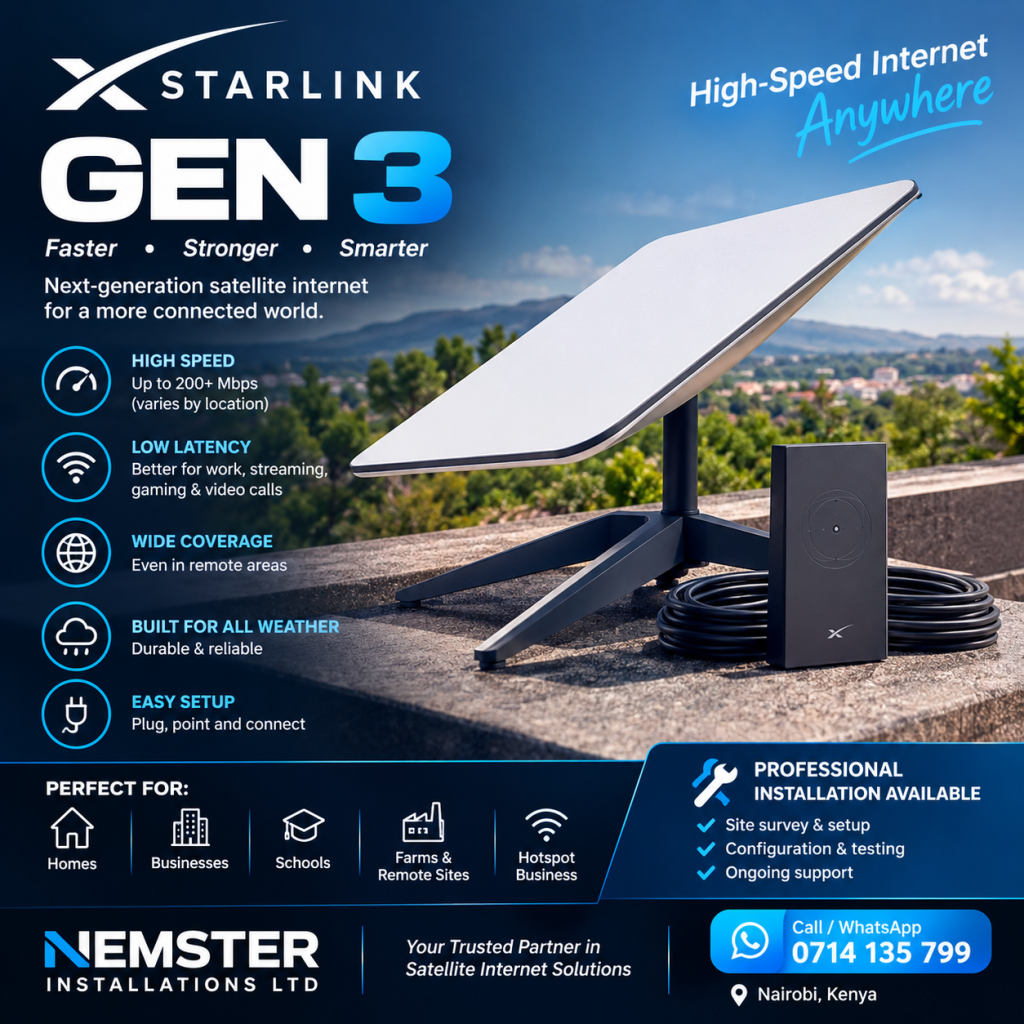
WiFi extension.
Call or WhatsApp Nemster: 0714135799
What Is Starlink Gen 3?
Starlink Gen 3 refers to the third-generation Starlink hardware used with Starlink’s satellite internet service.
The system is designed for fixed-location internet connectivity and includes the Starlink satellite dish and compatible networking equipment.
A typical setup includes:
- Starlink Gen 3 satellite dish
- Gen 3 WiFi router
- Starlink cable
- Power equipment
- Mounting equipment
The exact equipment included depends on the specific Starlink package purchased.
Starlink Gen 3 in Kenya
Starlink Gen 3 in Kenya can provide another broadband connectivity option for customers in locations where Starlink service is available.
It can be used for:
- Residential homes
- Offices
- Businesses
- Apartments
- Farms
- Schools
- Hotels
- Shops
- Warehouses
- Rural properties
- Construction sites
Before purchasing, customers should check Starlink’s current service availability and pricing for their specific address.
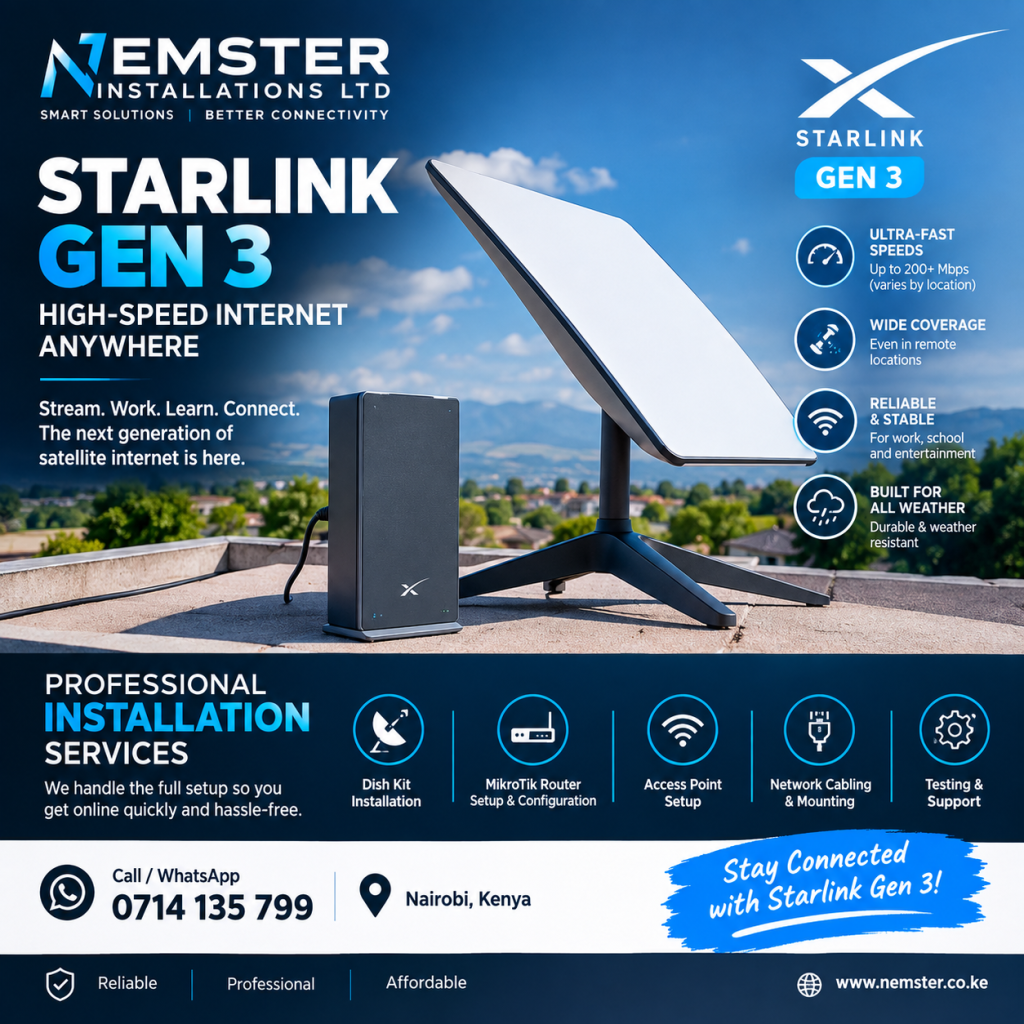
Starlink Gen 3 Kit
The Starlink Gen 3 Kit contains the main equipment needed to establish a Starlink internet connection.
The Standard Kit generally includes the satellite dish, Gen 3 WiFi router, cables, power equipment, and a basic mounting base, although package contents can vary.
For permanent installations, customers may require an additional roof, wall, or pole mounting solution.
Nemster can help with the installation and setup of Starlink Gen 3 equipment.
Starlink Gen 3 Price Kenya
The Starlink Gen 3 price in Kenya can change depending on current pricing, promotions, availability, and the seller.
When calculating the total Starlink cost, consider:
- Starlink Gen 3 Kit
- Mounting equipment
- Installation
- Monthly service
- Additional networking equipment
- WiFi access points
- Ethernet cables
The equipment price is only one part of the complete installation.
Customers should check the current Starlink price for their location before purchasing.
Starlink Gen 3 Internet
The main purpose of Starlink Gen 3 is to provide satellite internet connectivity.
The Starlink dish communicates with satellites while the router distributes the internet connection around the property.
Internet performance can vary depending on:
- Service plan
- Location
- Network congestion
- Obstructions
- Weather
- WiFi conditions
- Number of connected devices
Therefore, actual performance can differ between properties.
Starlink Gen 3 Internet Speed
People searching for Starlink Gen 3 speed should understand that the hardware itself does not guarantee one fixed internet speed.
The service plan and network conditions affect the actual connection.
A properly installed dish with a suitable view of the sky can help the system operate as intended, but internet performance can still vary over time and by location.
For this reason, customers should consider the Starlink service plan as well as the hardware.
Starlink Gen 3 WiFi
The Gen 3 router provides WiFi connectivity to devices within the property.
You can use Starlink Gen 3 WiFi for:
- Smartphones
- Laptops
- Computers
- Smart TVs
- Tablets
- CCTV
- Printers
- Gaming devices
- Smart home equipment
The WiFi coverage depends on the building.
Thick walls, multiple floors, distance, interference, and router placement can reduce WiFi coverage.
Starlink Gen 3 WiFi Extension
Large homes, offices, apartments, schools, hotels, and commercial buildings may require additional WiFi equipment.
Nemster can extend your Starlink Gen 3 WiFi using:
- Ethernet access points
- Mesh WiFi
- Outdoor access points
- Network switches
- Ethernet cabling
- MikroTik equipment
- Point-to-point wireless links
A network should be designed according to the size and layout of the property.
Starlink Gen 3 Installation
Professional Starlink Gen 3 installation can include:
- Site assessment
- Dish positioning
- Mounting
- Cable routing
- Router setup
- WiFi configuration
- Internet testing
- Network configuration
- WiFi extension
The installation method depends on the property and the customer’s requirements.
Starlink Gen 3 Dish Installation
The Starlink dish needs a suitable view of the sky.
Potential obstructions include:
- Trees
- Buildings
- Walls
- Poles
- Chimneys
- Roof structures
Obstructions can cause interruptions to the Starlink connection.
For this reason, the installation location should be assessed before permanently mounting the dish.
Starlink Gen 3 Mounting
The correct mounting solution depends on the property.
Possible installation options can include:
- Roof mounting
- Wall mounting
- Pole mounting
- Ground installation
- Other compatible mounting solutions
The mount should be appropriate for the structure and installation environment.
Starlink Gen 3 Router
The Starlink Gen 3 router distributes the internet connection through WiFi and compatible wired networking.
The router should be positioned carefully.
For a small home, one router may provide sufficient coverage.
For a large building, additional access points may be required.
Nemster can configure the router and integrate it into an existing network where required.
Starlink Gen 3 for Homes
Starlink Gen 3 can be used for residential internet connectivity.
A home installation can support:
- Browsing
- Streaming
- Video calls
- Online learning
- Smart TVs
- Gaming
- CCTV
- Work from home
- Mobile devices
The number of devices and internet usage requirements should be considered when selecting the appropriate service plan.
Starlink Gen 3 for Businesses
Businesses can use Starlink as an internet connection where the service is available.
A business network may include:
- Starlink Gen 3
- Router
- Network switch
- Access points
- Ethernet cables
- CCTV
- Guest WiFi
- Office computers
For larger businesses, additional network management equipment such as MikroTik can be used.
Starlink Gen 3 for Rural Kenya
Satellite internet can be useful for customers in rural areas where traditional broadband infrastructure may be limited.
Potential users include:
- Farmers
- Rural homes
- Lodges
- Schools
- Remote offices
- Workshops
- Construction sites
The Starlink dish still requires a suitable installation location and the service must be available at the property.
Starlink Gen 3 and CCTV
Starlink Gen 3 can be used as the internet connection for compatible CCTV systems.
A basic network may look like:
Starlink → Router → Network Switch → NVR/Cameras
The network should be configured correctly to support CCTV devices and remote monitoring.
Nemster also provides CCTV installation and networking services.
Starlink Gen 3 and MikroTik
MikroTik networking equipment can be integrated with Starlink where customers need more advanced network management.
Possible applications include:
- Bandwidth management
- Guest WiFi
- Hotspot systems
- User authentication
- VLANs
- Multiple access points
- Network management
This can be useful for businesses, apartments, hotels, schools, and public WiFi projects.
Starlink Gen 3 Installation in Nairobi
Nemster provides Starlink Gen 3 installation in Nairobi and surrounding areas.
We can assist with installation and networking in areas such as:
- Westlands
- Runda
- Karen
- Gigiri
- Lavington
- Kilimani
- Kileleshwa
- Langata
- Upper Hill
- South B
- South C
- Embakasi
- Umoja
- Buruburu
- Kasarani
- Roysambu
- Githurai
- Ruiru
- Kiambu
- Thika
Customers outside Nairobi can contact Nemster with their location to discuss installation availability.
Starlink Gen 3 Installation Cost
The cost of installing Starlink Gen 3 depends on the installation requirements.
Factors can include:
- Location
- Roof height
- Mounting method
- Cable length
- Property structure
- WiFi extension
- Number of access points
- Additional networking equipment
A simple installation can have different requirements from a large commercial network.
For a quotation, provide your location and describe the installation you need.
Starlink Gen 3 vs Starlink Mini
Starlink has different hardware options, including the Standard/Gen 3 system and Starlink Mini.
The appropriate system depends on:
- Portability
- Property size
- Number of users
- Number of devices
- WiFi requirements
- Intended usage
- Installation environment
Customers should compare the equipment based on their actual requirements rather than only looking at the purchase price.
Common Starlink Gen 3 Problems
Some customers may experience connectivity or WiFi problems after installation.
Common issues can include:
- Obstructions
- Weak WiFi
- Poor router placement
- Cable problems
- Power interruptions
- Network configuration issues
- Too many connected devices
- Poor access point placement
A professional assessment can help determine whether the problem is with the satellite connection, hardware, WiFi, power, cabling, or network configuration.
How to Get Better Starlink Gen 3 Performance
Good installation and network planning can help you get the most from your Starlink system.
Consider:
Install the Dish Correctly
Choose an appropriate location with a suitable view of the sky.
Route Cables Properly
Protect and neatly route the Starlink cable.
Position the Router Carefully
Place the router where it can provide better WiFi coverage.
Extend WiFi Where Necessary
Use access points or other suitable networking equipment for larger properties.
Manage Connected Devices
Large numbers of devices can increase network usage.
Why Choose Nemster for Starlink Gen 3?
Nemster provides more than basic Starlink dish installation.
We can help with the complete network, including:
- Starlink Gen 3 installation
- Dish mounting
- Router setup
- WiFi configuration
- WiFi extension
- Ethernet cabling
- Access points
- Network switches
- MikroTik networking
- CCTV networking
- Troubleshooting
This allows customers to build a complete internet and networking solution around their Starlink connection.
Frequently Asked Questions
What is Starlink Gen 3?
Starlink Gen 3 is a generation of Starlink hardware used to connect customers to Starlink’s satellite internet service.
Is Starlink Gen 3 available in Kenya?
Starlink provides service in Kenya, subject to availability and the applicable service plan for the customer’s location.
How much is Starlink Gen 3 in Kenya?
The price can change based on current Starlink pricing, promotions, availability, and the seller. Check the current price for your location before purchasing.
Does Starlink Gen 3 have WiFi?
Yes. The Gen 3 system includes compatible WiFi networking equipment as part of the Standard setup.
Can Starlink Gen 3 cover a large house?
A single router may not provide sufficient coverage for a large house. Additional access points or mesh networking can be used.
Can Starlink Gen 3 connect to CCTV?
Yes. CCTV equipment can be connected to a properly configured Starlink network.
Can Starlink Gen 3 be used for business?
Yes. Businesses can use Starlink as an internet connection and integrate it with a wider business network.
Can Nemster install Starlink Gen 3?
Yes. Nemster provides Starlink Gen 3 installation, mounting, router setup, WiFi extension, networking, and troubleshooting services in Kenya.
Get Starlink Gen 3 Installation in Kenya
Looking for Starlink Gen 3 in Kenya?
Nemster can help with Starlink Gen 3 installation, dish mounting, router setup, WiFi extension, networking, CCTV connectivity, and troubleshooting.
Call or WhatsApp: 0714135799
Nemster – Professional Starlink, CCTV, Solar, Electrical, Networking & TV Mounting Installation in Kenya.
SEO Details
Focus Keyword: Starlink Gen 3
SEO Title: Starlink Gen 3 Kenya – Price, Kit, Installation & WiFi
URL Slug: starlink-gen-3-kenya
Meta Description: Learn about Starlink Gen 3 in Kenya, including kit price, internet, WiFi, installation, router setup, WiFi extension and professional installation.
Secondary Keywords: Starlink Gen 3 Kenya, Starlink Gen 3 Kit, Starlink Gen 3 price Kenya, Starlink Gen 3 installation, Starlink Gen 3 internet, Starlink Gen 3 WiFi, Starlink Gen 3 router, Starlink Gen 3 satellite dish, Starlink installer Kenya, Starlink installation Nairobi.