
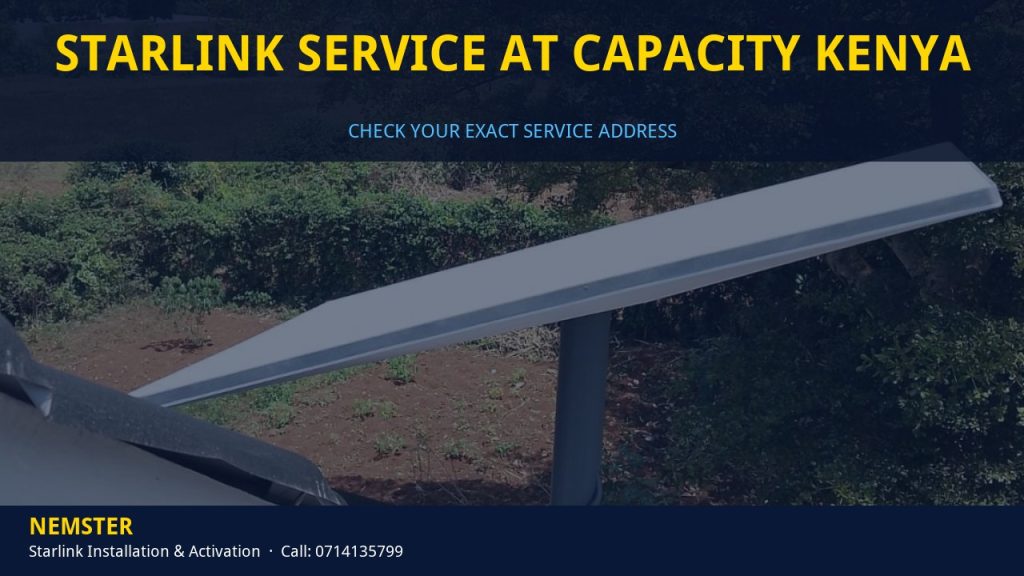
Starlink Service at Capacity Kenya: A "service at capacity" message in Kenya affects new orders in that area; it does not mean existing customers lose service. Nemster Installers is a Nairobi-based Starlink installation team serving Kenya and the rest of Kenya.
WhatsApp 0714 135 799 for a same-day reply, use our free quote form, or see the full Starlink installation service.
What Starlink Service at Capacity Kenya Means
Starlink manages its network in coverage cells. Each cell can only serve a certain number of users at good speeds. When a cell is full, Starlink pauses new Residential orders for addresses in that cell and shows messages like “at capacity”, “sold out” or an option to join a waitlist.
This is why Starlink Service at Capacity Kenya is decided by your exact service address, not by the city. Two estates a few kilometres apart in Kenya can get different results on the same day.
Existing customers in a full cell keep their service. Capacity limits apply to new sign-ups and, in some cases, to moving a Residential service address into a full area.
Capacity changes over time as Starlink launches more satellites and adds ground capacity, so an area that is full today can reopen later.
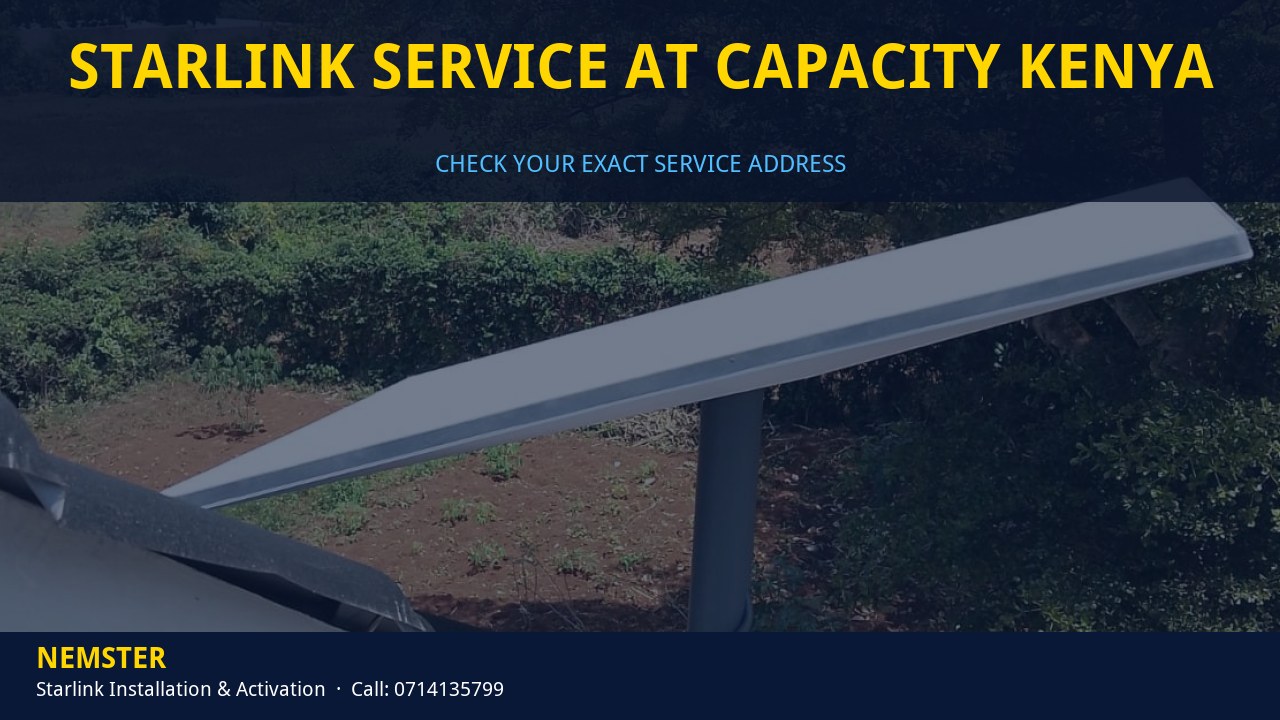
Ready to install? See the full Starlink activation Kenya guide for mounting, pairing and testing.
How Nemster Helps With Starlink Service at Capacity Kenya
- Check your exact address on the Starlink order page with you and read the result correctly
- Explain which plans are offered at your address and which suits your use
- Prepare the site now: mount point, cable route and power, so install takes one visit later
- Set up interim internet (fibre where available, or a 4G/5G router) with good WiFi coverage
- Install and activate quickly once your order is confirmed
- Honest advice: we do not bypass capacity limits or register false service addresses
Need a kit or accessories? Browse Starlink products in the Nemster shop. For coverage beyond the router, see WiFi and networking installation. For stable power, see electrical and backup power.
Related Starlink guides:
- Starlink activation Kenya
- Starlink Kenya at capacity
- Starlink Activation at Capacity Nairobi
- Starlink Activation at Capacity Kenya
- Starlink Capacity Nairobi
- Starlink Capacity Kenya
- Starlink Internet Activation Kenya
- Starlink Gen 3 Activation Kenya
- Starlink installer Nairobi
What To Do Next: 6 Practical Steps
1. Check the exact address
Enter the real installation address on the Starlink order page. Note the message and every plan it offers.
2. Compare the plans offered
If Residential is full, look at the other plans listed for your address and what each allows.
3. Decide: wait or choose another plan
Join the waitlist if Residential suits you best, or order an available plan if it fits your needs.
4. Prepare the site
Nemster checks sky view, picks the mount point and plans the cable route so installation is quick later.
5. Keep internet running meanwhile
Use fibre if it reaches you, or a 4G/5G router with proper WiFi coverage.
6. Install and activate
When your order is confirmed, we mount, pair, test and hand over in one visit. WhatsApp 0714 135 799.
Who This Guide Is For
- Buyers who see "at capacity", "sold out" or a waitlist on the Starlink order page
- People who bought a kit but cannot activate a Residential plan
- Homes and businesses in Kenya needing internet while they wait
- Anyone offered an "unlock" by an unofficial seller who wants honest advice
Service areas: Nairobi, Kiambu, Kajiado, Machakos, Nakuru, Mombasa, Kisumu, Eldoret, Malindi, Garissa and other counties by arrangement.
Checklist Before You Contact Us
- Exact location in Kenya (estate, road or pin)
- Screenshot of the Starlink order page or app status
- Kit type: standard, Gen 3 or Mini, or not bought yet
- Photos of the roof or intended mount point
- Where you want the router and which rooms need WiFi
- Power situation: grid, solar or backup
Starlink Hardware Explained for Starlink Service at Capacity Kenya
Before any Starlink Service at Capacity Kenya job, it helps to know what is in the box and what each part does. Most problems we fix come from a part being installed in the wrong place, not from faulty hardware.
- The dish (antenna): it needs a clear, wide view of the sky. It aligns itself after power-on, so you do not aim it by hand, but you do choose where it sits.
- The router: on the Gen 3 standard kit the power supply is built into the router, so the router must sit near a stable power point. It also creates your WiFi network.
- The dish cable: it carries power and data between dish and router. Sharp bends, pinching in windows or gates, and cheap extensions cause many dropouts.
- Starlink Mini: a compact dish with the WiFi router built in and DC power input, useful for vehicles, solar setups and small sites.
- Mounts and accessories: pipe adapters, wall mounts, pole mounts, Ethernet adapters and cable clips decide how neat and stable the final install is.
You can see most of these parts in the Nemster Starlink shop. If you already own a kit, we work with it as long as it is genuine and undamaged.
Choosing the Right Mount for Starlink Service at Capacity Kenya
The mount decides how well Starlink Service at Capacity Kenya performs for years, not just on the first day. In Kenya we usually choose between these options:
- Pitched roof mount: common on houses with iron sheets or tiles. We fix it to the structure, not just the sheet, and seal every screw.
- Wall or fascia mount: good when the wall is higher than nearby trees and has a clear view of most of the sky.
- Pole or ground mount: useful on farms, large compounds and sites with tall trees. The pole must be anchored so wind cannot move it.
- Flat roof or parapet mount: common on apartments and commercial buildings. We check access rules with the caretaker or management first.
- Portable setup: for Mini and travel kits, a stable stand and a clear view matter more than height.
We look at the obstruction view in the Starlink app, check trees that will grow, and confirm that we can run the cable safely to the router location. A few metres of difference in mount position can remove most interruptions.
Power, Backup and Surge Protection
Starlink needs steady power. If the router loses power, the whole connection drops, and frequent power cuts can make a good install feel unreliable.
- Place the router near a dedicated, well-wired socket, not a long chain of extension cables.
- Use a UPS sized for the router and your key devices so short outages do not cut the internet.
- For sites with long outages, pair Starlink with solar power or an inverter system. Starlink Mini is especially suited to DC solar setups.
- Add surge protection in lightning-prone areas to protect the router and connected devices.
Nemster handles wiring and backup power through our electrical and backup power service, so the internet and power plan are done by one team.
WiFi Coverage After Starlink Service at Capacity Kenya
The Starlink router covers a normal room well, but concrete walls, metal doors and multiple floors weaken WiFi quickly. Many people think Starlink Service at Capacity Kenya failed when the real issue is indoor coverage.
- Router placement: central and raised, away from metal cabinets and water tanks.
- Mesh nodes: a simple way to extend coverage across a house or maisonette.
- Wired access points: best for offices, schools, hotels and large compounds. They need an Ethernet adapter or a router with Ethernet ports.
- Outdoor access points: for gates, guard houses, pools and outbuildings.
We test speeds in every room you use before we leave. For larger properties, see our WiFi and networking installation service.
How Starlink Capacity Works Behind Starlink Service at Capacity Kenya
Starlink divides the map into coverage cells. Satellites passing overhead share their bandwidth among users in each cell. When too many Residential users join one cell, speeds for everyone would drop, so Starlink limits new Residential sign-ups there.
That is why Starlink Service at Capacity Kenya can apply to one estate and not the next. It also explains why capacity can reopen later: more satellites launch, ground infrastructure grows, and some users cancel or move.
- What changes capacity: new satellite launches, network upgrades and changes in how many users are active in your cell.
- What does not change it: buying the kit from a different shop, changing the router, or asking an installer to “unlock” the area.
- What you control: your exact service address, the plan you choose among those offered, and how ready your site is when capacity opens.
Interim Internet Options While You Wait
Waiting does not have to mean going offline. These are the options we set up most often while clients deal with Starlink Service at Capacity Kenya:
- Fibre: if a fibre provider reaches your street, it is often the most stable interim option.
- 4G/5G router: a good router with an external antenna placed where signal is strongest can serve a small household or office.
- Other Starlink plans: if the Starlink order page offers a plan other than Residential at your address, compare what it allows and whether it suits your use.
Whatever you choose, we set up WiFi so that switching to Starlink later only means connecting the new router, not rebuilding your network.
What a Typical Starlink Service at Capacity Kenya Visit Looks Like
- Before the visit: we review your photos, location and plan status on WhatsApp and agree on the scope.
- Arrival and survey: we check the sky view, roof or wall strength, and the cable route to the router.
- Mounting: we fix the mount securely and seal all penetrations.
- Cable routing: we run the cable neatly with clips and weather-sealed entry.
- Activation: we power on, pair in the app, confirm the service address and plan, and let the dish align.
- Testing: we run speed and video-call tests in the rooms you use.
- Handover: we explain what not to unplug, how to read the app, and how to reach us.
Most standard home installs are completed in one visit when the plan is active and the site is accessible.
Mistakes to Avoid With Starlink Service at Capacity Kenya
- Paying for installation before confirming your plan can be activated at the exact address.
- Mounting the dish low because it is convenient, then fighting obstructions every day.
- Running the cable through a window or gate where it gets pinched.
- Hiding the router in a cabinet or behind a TV.
- Using a false service address to avoid capacity limits.
- Buying extra accessories you do not need before a site check.
- Ignoring power backup in areas with frequent outages.
Avoiding these keeps Starlink Service at Capacity Kenya simple and saves a second visit.
What Affects the Labour Quote for Starlink Service at Capacity Kenya
Nemster does not publish a fixed price, because the work changes from site to site. These factors decide the quote:
- Roof type, height and safe access
- Mount type: roof, wall, pole or parapet
- Cable length and how it is routed and protected
- WiFi extension needs: mesh, access points or cabling
- Power work: new socket, UPS, surge protection or solar
- Travel distance outside Nairobi
Send photos and your location on WhatsApp 0714 135 799 and we reply with a clear quote before any work starts.
Starlink Terms Explained
- Service address: the location registered to your subscription, where the dish is used.
- Capacity: how many users a coverage cell can serve at good speeds.
- Coverage cell: the area Starlink uses to manage users and bandwidth.
- Obstruction: anything blocking the dish view of the sky, such as trees, walls or buildings.
- Waitlist: a queue for new orders in areas that are currently full.
- Mesh: extra WiFi units that extend coverage from the main router.
- Ethernet adapter: an accessory that adds a wired port for access points or computers.
FAQ: Starlink Service at Capacity Kenya
Can Nemster get me Starlink in an area at capacity?
We cannot bypass capacity limits; Starlink controls them. We help you check the options offered at your address, prepare the site, and install as soon as you can order.
Does “at capacity” affect people who already have Starlink?
No. It limits new Residential orders in that area. Existing customers keep their service.
How long does an area stay at capacity?
Starlink does not publish dates. Capacity is added over time, so check your address again periodically.
Can I use a different address to avoid Starlink Service at Capacity Kenya?
No. A false service address breaks Starlink terms and can restrict your service. Use the real installation address.
How fast does Nemster reply?
WhatsApp or call 0714 135 799. We aim to reply the same day with next steps for Kenya.
Do you publish a fixed installation price?
No. Labour depends on roof type, height, cable length and WiFi needs. Send your location and photos for a practical quote.
Talk to Nemster About Starlink Service at Capacity Kenya
Want clear answers on Starlink Service at Capacity Kenya? Nemster Installers give honest advice, neat installation and tested handover across Nairobi, Kiambu, Kajiado, Machakos, Nakuru, Mombasa, Kisumu, Eldoret, Malindi, Garissa and other counties by arrangement.
WhatsApp 0714 135 799, visit nemster.co.ke, or book a free quote. Partner resources: gamun.co.ke.