Starlink Gen 3 WiFi Kenya – Setup, Range, Installation & WiFi Extension
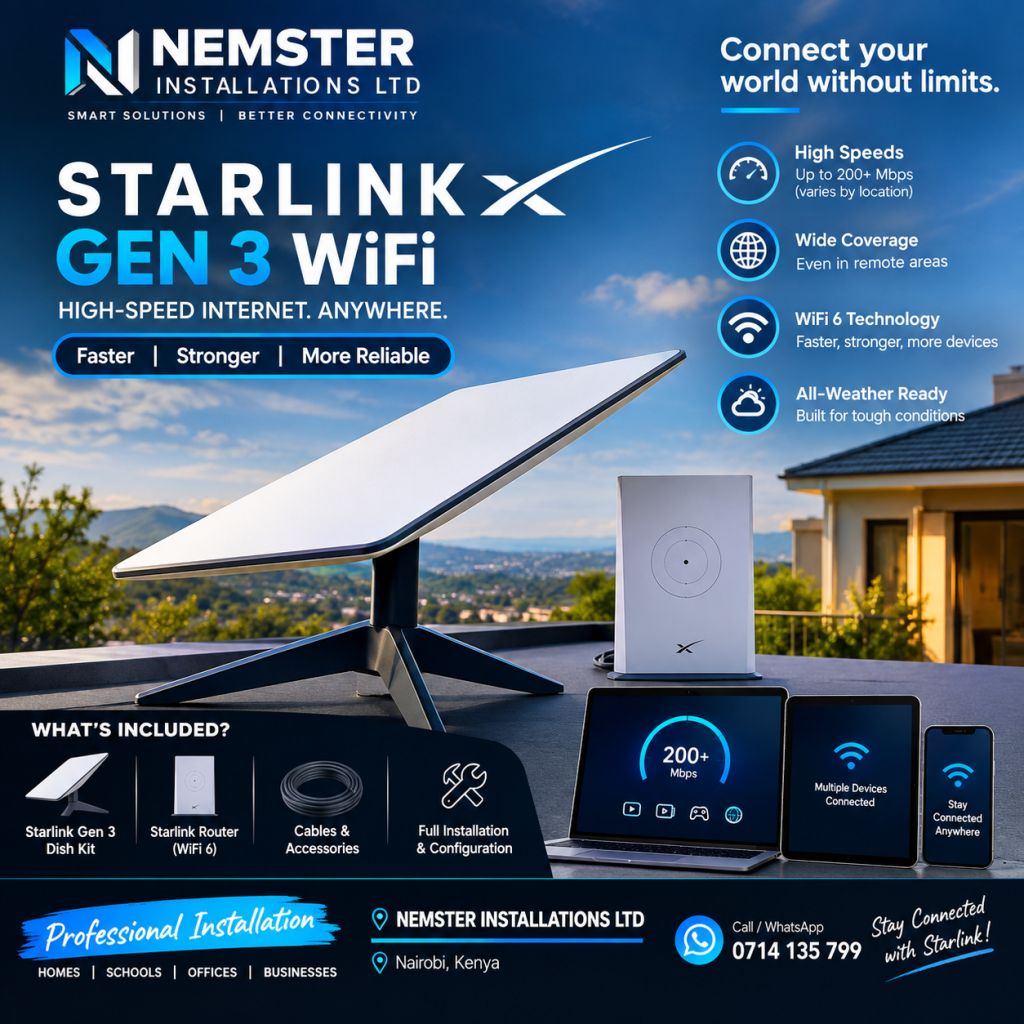
Looking for Starlink Gen 3 WiFi in Kenya? Starlink Gen 3 provides satellite internet connectivity together with WiFi networking for homes, offices, businesses, apartments, farms, shops, schools, and other properties.
A Starlink Gen 3 setup includes a satellite dish and WiFi router that connect your property to the Starlink satellite network. Once installed correctly, the system can provide internet access to smartphones, computers, smart TVs, CCTV systems, tablets, and other connected devices.
However, getting good Starlink Gen 3 WiFi coverage depends on more than the satellite dish. Router placement, building size, walls, floors, interference, and the number of connected devices can all affect WiFi performance.
Nemster provides Starlink Gen 3 installation, WiFi setup, WiFi extension, networking, and troubleshooting services in Kenya.
Call or WhatsApp: 0714135799
What Is Starlink Gen 3 WiFi?
Starlink Gen 3 WiFi refers to the wireless network provided through a Starlink Gen 3 system.
The Starlink dish receives internet connectivity from the Starlink satellite network, while the router distributes that internet connection to devices through WiFi and compatible wired connections.
A basic setup can look like:
Starlink Satellite → Starlink Dish → Gen 3 Router → WiFi Devices
Devices that can connect to the WiFi include:
- Smartphones
- Laptops
- Desktop computers
- Smart TVs
- Tablets
- CCTV equipment
- Printers
- Gaming devices
- Smart home devices
Starlink Gen 3 WiFi in Kenya
Starlink Gen 3 WiFi in Kenya can be used in residential and commercial properties where Starlink service is available.
It can provide internet connectivity for:
- Homes
- Offices
- Shops
- Apartments
- Farms
- Hotels
- Schools
- Warehouses
- Businesses
- Rural properties
The actual WiFi experience depends on the property layout and network configuration.
A small house may only need the main router, while a large home or commercial property may require multiple WiFi access points.
Starlink Gen 3 WiFi Range
One of the most common questions is:
“How far can Starlink Gen 3 WiFi reach?”
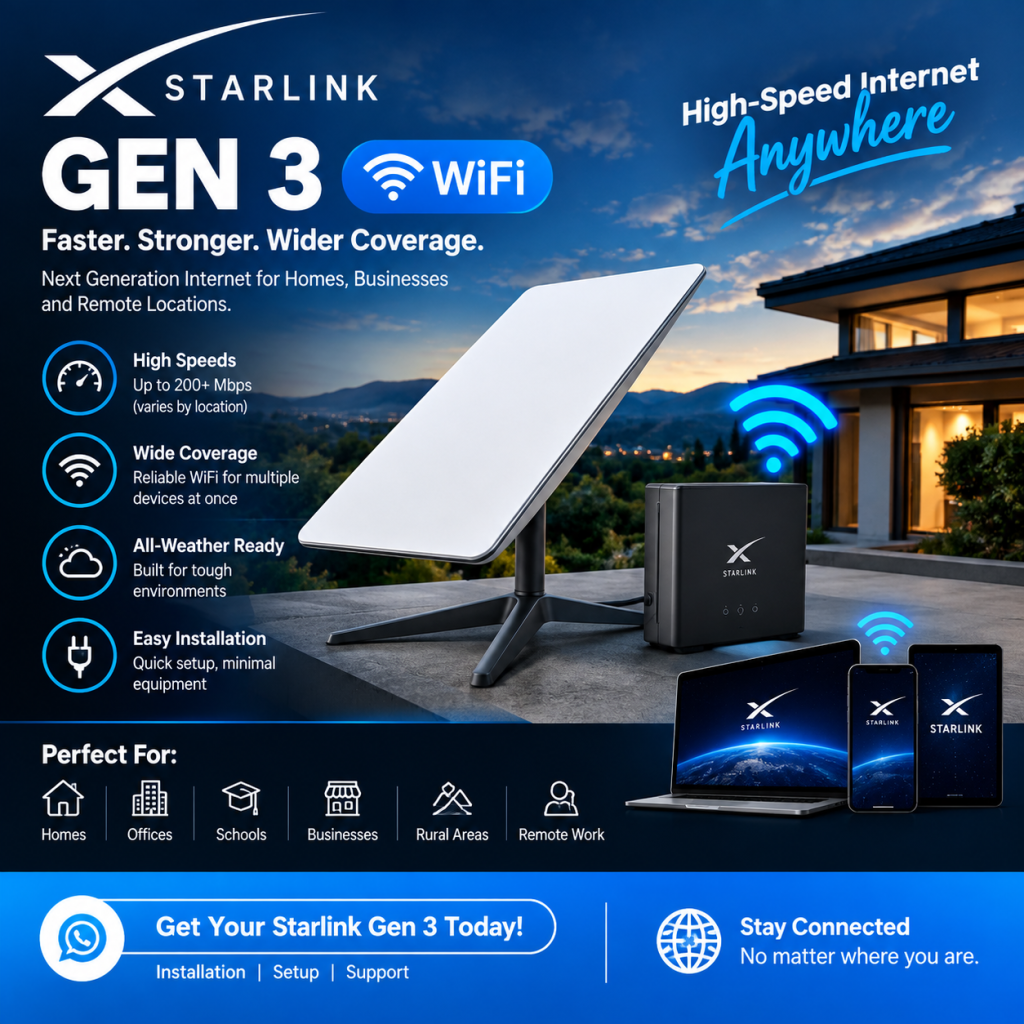
There is no single WiFi range that applies to every property.
WiFi coverage can be affected by:
- Building size
- Walls
- Concrete
- Floors
- Metal structures
- Furniture
- Router location
- Nearby wireless networks
- Number of connected devices
A router placed in one corner of a large building may provide poor coverage in rooms on the opposite side.
For this reason, the best way to improve Starlink Gen 3 WiFi coverage is to design the network around the building.
How to Improve Starlink Gen 3 WiFi Coverage
If your Starlink internet works well near the router but becomes weak in other rooms, you may need to improve your WiFi network.
Possible solutions include:
1. Better Router Placement
Place the router in a central and elevated location where practical.
Avoid placing it inside cabinets or behind large objects.
2. WiFi Access Points
Ethernet-connected access points can provide WiFi in areas where the main router signal is weak.
3. Mesh WiFi
A properly designed mesh system can extend wireless coverage throughout a larger property.
4. Ethernet Cabling
Running Ethernet cables to important areas can provide a more stable connection and support additional access points.
5. Outdoor WiFi
For compounds, farms, hotels, schools, and businesses, outdoor access points can extend WiFi to outdoor areas.
Starlink WiFi Installation
Professional Starlink Gen 3 WiFi installation can include both the satellite installation and the internal WiFi network.
The installation process may include:
- Site assessment
- Starlink dish positioning
- Dish mounting
- Cable routing
- Router installation
- WiFi configuration
- Internet testing
- WiFi coverage assessment
- Access point installation
- Network testing
This approach is useful for customers who want internet coverage throughout the property rather than just near the Starlink router.
Starlink Gen 3 WiFi Setup
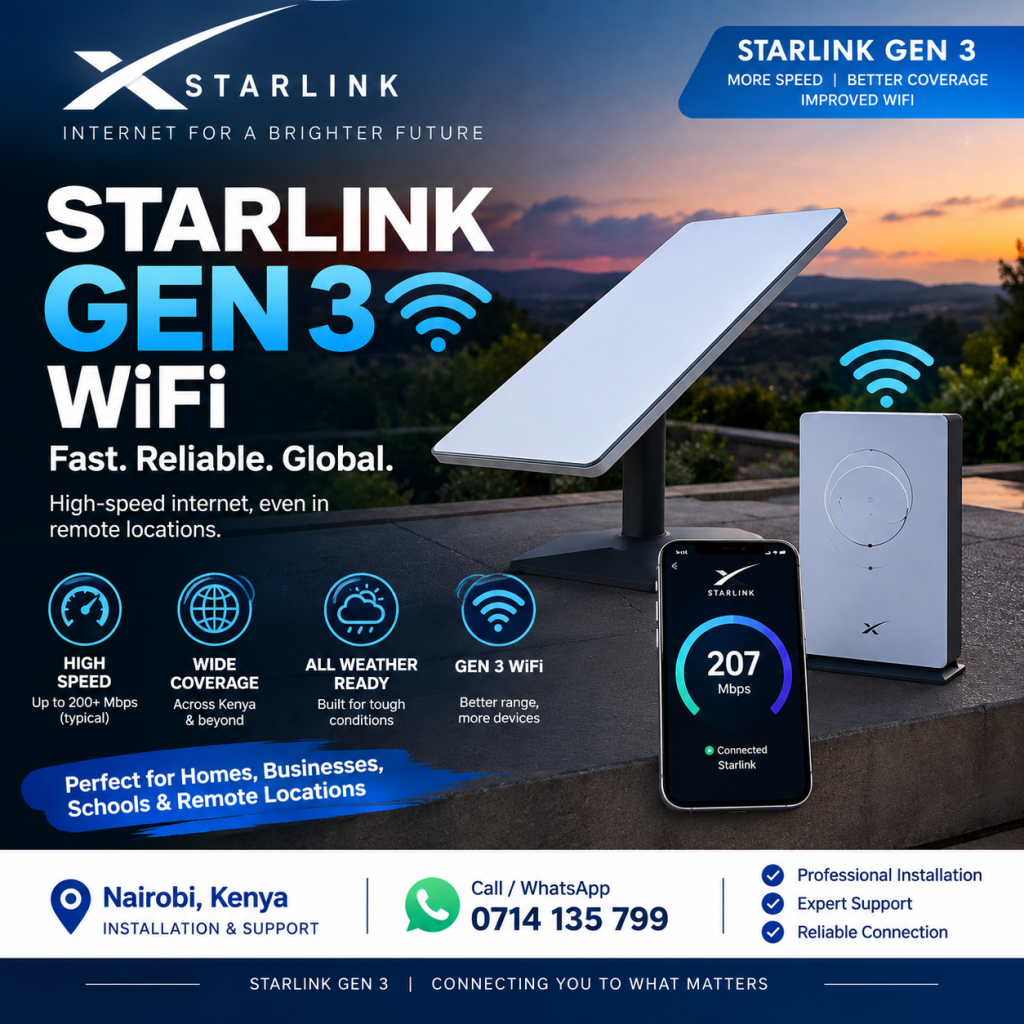
Setting up the WiFi network involves configuring the router and connecting your devices.
A typical setup includes:
- Connecting the Starlink equipment
- Powering the system
- Configuring the WiFi network
- Setting a secure WiFi password
- Connecting devices
- Testing internet access
For a larger network, additional configuration may be required.
For example, a business may need separate networks for staff and guests.
Starlink WiFi for Homes
The Starlink Gen 3 WiFi system can be used for everyday home internet.
It can support:
- Web browsing
- Streaming
- Video calls
- Online learning
- Social media
- Smart TVs
- Gaming
- CCTV
- Cloud applications
Large homes often require more than one WiFi access point.
Concrete walls, multiple floors, and long distances between rooms can weaken wireless signals.
Nemster can install a network using:
- Ethernet access points
- Mesh WiFi
- Network switches
- Structured cabling
- Outdoor access points
This can provide more consistent WiFi coverage throughout the property.
Starlink Gen 3 WiFi for Apartments
Apartments can have multiple floors and many rooms, making WiFi planning important.
A single Starlink router may not provide suitable coverage throughout an entire apartment building.
A larger installation can use:
Starlink → Router → Network Switch → Multiple Access Points
Each access point can be positioned to cover a specific area.
For apartment projects, the network can also be designed with separate networks for different users where required.
Starlink Gen 3 WiFi for Businesses
Businesses may need reliable WiFi for employees, customers, computers, CCTV systems, POS systems, and other devices.
A business Starlink WiFi network may include:
- Starlink Gen 3
- Router
- MikroTik router
- Network switch
- WiFi access points
- Ethernet cabling
- Guest WiFi
- CCTV network
Nemster can help install and configure the network according to the size of the business.
Starlink Gen 3 WiFi Extension
Starlink Gen 3 WiFi extension is useful when the main router does not provide sufficient coverage.
Nemster can extend Starlink WiFi using different networking technologies depending on the property.
Possible solutions include:
Ethernet WiFi Extension
Ethernet cable is run from the main network to additional access points.
This is suitable for offices, homes, schools, and commercial buildings.
Mesh WiFi Extension
Mesh equipment can be used where running Ethernet cables is difficult or where a wireless solution is preferred.
Outdoor WiFi Extension
Outdoor access points can extend WiFi into compounds, gardens, farms, parking areas, and other outdoor spaces.
Point-to-Point WiFi
For separate buildings, a wireless point-to-point link can connect one building to another.
The appropriate solution depends on distance, line of sight, network requirements, and property layout.
Starlink Gen 3 WiFi and CCTV
Starlink Gen 3 WiFi can be used as the network connection for compatible CCTV systems.
A basic network can be arranged as:
Starlink → Router → Switch → NVR/Cameras
For larger CCTV systems, network design becomes more important.
The number of cameras, recording equipment, remote viewing requirements, and network infrastructure should all be considered.
Nemster also provides CCTV installation and networking services in Kenya.
Starlink Gen 3 WiFi and Smart TVs
Smart TVs can connect to the Starlink Gen 3 WiFi network.
If the TV is far from the router and the signal is weak, an additional access point or Ethernet connection can improve connectivity.
For fixed devices such as Smart TVs, Ethernet can also be considered where practical.
Starlink Gen 3 WiFi for Rural Properties
Starlink can provide an alternative internet connection for rural properties where suitable Starlink service is available.
Rural properties may include:
- Farms
- Homes
- Lodges
- Schools
- Workshops
- Offices
- Construction sites
For large compounds, outdoor WiFi access points or wireless links can distribute the connection to different areas.
Starlink Gen 3 WiFi and MikroTik
MikroTik networking equipment can be used when customers require more advanced network management.
For example, a MikroTik router can be used for:
- Bandwidth management
- Guest WiFi
- Hotspot billing
- User authentication
- VLAN configuration
- Network management
- Multiple access points
This can be particularly useful for businesses, apartments, hotels, and WiFi hotspot projects.
Starlink Gen 3 WiFi Troubleshooting
If your Starlink Gen 3 internet works but your WiFi is weak, the problem may be with the wireless network rather than the satellite connection.
Common causes include:
- Router placed too far from users
- Thick concrete walls
- Multiple floors
- Wireless interference
- Too many connected devices
- Poor access point placement
- Incorrect network configuration
- Damaged Ethernet cables
A network assessment can help identify where the problem is occurring.
Starlink Gen 3 WiFi Installation in Nairobi
Nemster provides Starlink Gen 3 WiFi installation in Nairobi and surrounding areas.
Our services can include:
- Starlink installation
- Dish mounting
- Router setup
- WiFi configuration
- WiFi extension
- Ethernet cabling
- Access point installation
- Network switches
- MikroTik configuration
- CCTV networking
We can help customers in areas such as Westlands, Runda, Karen, Gigiri, Lavington, Kilimani, Kileleshwa, Langata, Upper Hill, South B, South C, Embakasi, Umoja, Kasarani, Roysambu, Githurai, Ruiru, Kiambu, and surrounding areas.
Starlink Gen 3 WiFi Installation Cost Kenya
The cost of Starlink Gen 3 WiFi installation in Kenya depends on the work required.
A basic installation may only require dish mounting and router setup.
A larger WiFi project may require:
- Access points
- Network switches
- Ethernet cables
- Outdoor access points
- Additional mounting
- MikroTik configuration
- Multiple network zones
For an accurate quotation, provide your location, property type, and the areas where you need WiFi coverage.
Why Choose Nemster for Starlink Gen 3 WiFi?
Nemster combines Starlink installation with professional networking services.
This means customers can get help with both the satellite connection and the WiFi distribution inside the property.
Our services include:
- Starlink installation
- Starlink Gen 3 WiFi setup
- WiFi extension
- Network installation
- CCTV networking
- MikroTik configuration
- Access point installation
- Ethernet cabling
Whether you need WiFi for a home, office, shop, apartment, farm, or business, the network can be planned according to your requirements.
Frequently Asked Questions
What is Starlink Gen 3 WiFi?
Starlink Gen 3 WiFi is the wireless internet network provided through the Starlink Gen 3 system and its router.
How far does Starlink Gen 3 WiFi reach?
The practical range depends on the building, walls, router placement, interference, and other environmental factors. Large properties may require additional access points.
Can Starlink Gen 3 WiFi cover a whole house?
It can cover a suitable area, but large houses may require additional WiFi access points or mesh equipment.
Can I extend Starlink Gen 3 WiFi?
Yes. WiFi can be extended using Ethernet access points, mesh systems, outdoor access points, or other networking solutions.
Can Starlink Gen 3 WiFi support CCTV?
Yes. CCTV equipment can be connected to a properly configured Starlink network.
Can Starlink Gen 3 be used for business WiFi?
Yes. Businesses can use Starlink as their internet connection and distribute it through a properly designed business network.
Can Nemster install Starlink Gen 3 WiFi?
Yes. Nemster provides Starlink installation, WiFi setup, WiFi extension, networking, and troubleshooting services.
Get Starlink Gen 3 WiFi Installation in Kenya
Need better Starlink Gen 3 WiFi coverage at your home, office, apartment, farm, shop, or business?
Nemster can install your Starlink Gen 3 system and extend the WiFi connection to the areas that need coverage.
Call or WhatsApp: 0714135799
Nemster – Professional Starlink, WiFi Networking, CCTV, Solar, Electrical & TV Mounting Installation in Kenya.
SEO Details
Focus Keyword: Starlink Gen 3 WiFi
SEO Title: Starlink Gen 3 WiFi Kenya – Setup, Range & WiFi Extension
URL Slug: starlink-gen-3-wifi-kenya
Meta Description: Looking for Starlink Gen 3 WiFi in Kenya? Learn about WiFi range, setup, installation, WiFi extension, access points and professional Starlink networking.
Secondary Keywords: Starlink Gen 3 WiFi Kenya, Starlink Gen 3 WiFi range, Starlink Gen 3 WiFi setup, Starlink WiFi installation Kenya, Starlink WiFi extension Kenya, Starlink Gen 3 router, Starlink WiFi Nairobi, Starlink installer Nairobi, Starlink Gen 3 internet Kenya, Starlink WiFi coverage.