
Starlink Gen 3 Router in Kenya – WiFi, Setup, Features & Installation
Looking for a Starlink Gen 3 router in Kenya? The Starlink Gen 3 router is designed to provide reliable WiFi connectivity for homes, offices, businesses, apartments, shops, and other properties using Starlink internet. With improved networking features, Ethernet connectivity, and support for modern WiFi devices, the Gen 3 router can be an important part of a Starlink installation.
Nemster provides professional Starlink installation, Starlink Gen 3 router setup, WiFi extension, networking, and troubleshooting services in Kenya. Call or WhatsApp 0714135799 for installation assistance and a free quote.
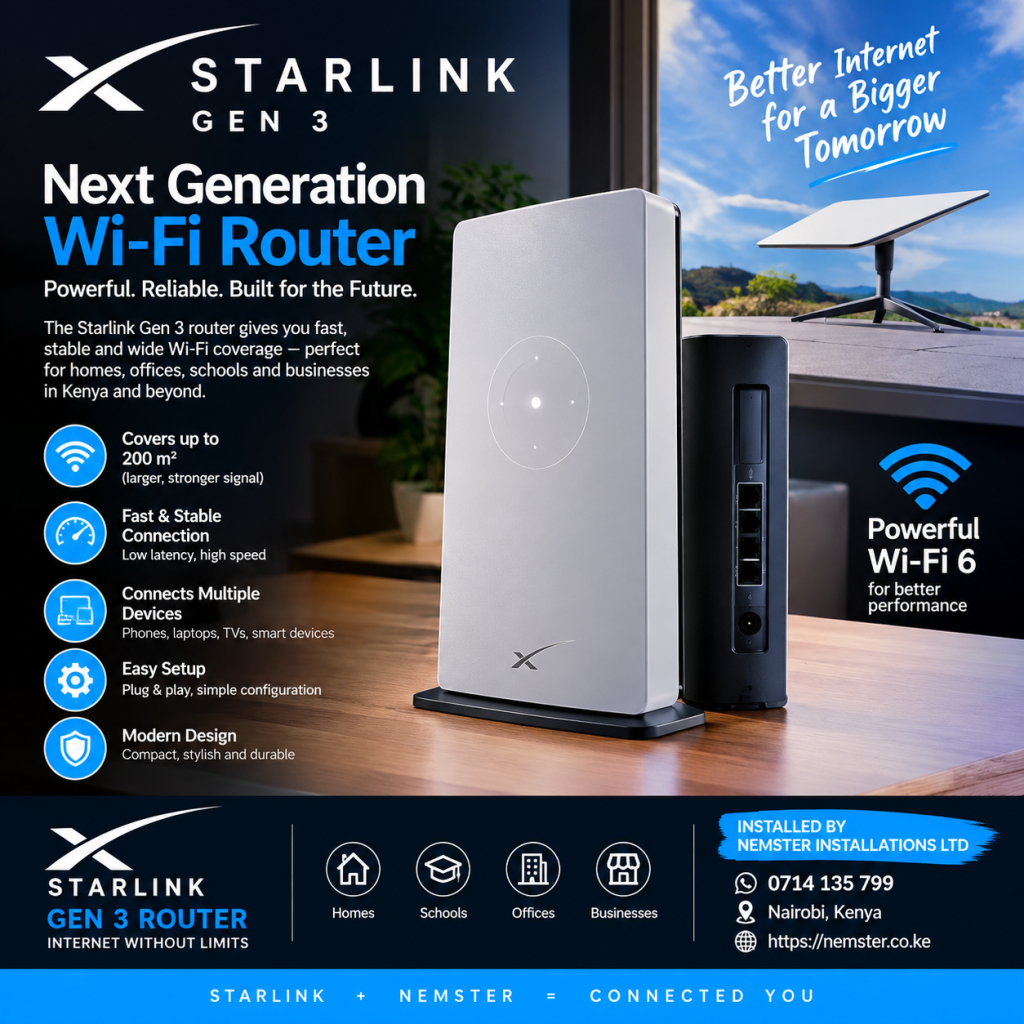
What Is the Starlink Gen 3 Router?
The Starlink Gen 3 router is the WiFi router supplied with Starlink’s newer Standard hardware generation. It connects to the Starlink dish and distributes the internet connection to phones, laptops, smart TVs, CCTV systems, computers, access points, and other network devices.
Compared with older Starlink router generations, the Gen 3 router provides additional networking flexibility, including Ethernet ports that can be useful when connecting wired devices or extending WiFi around a property.
Starlink Gen 3 Router Features
Some of the important features associated with the Starlink Gen 3 router include:
- Modern WiFi connectivity
- Ethernet connectivity for wired networking
- Connection to the Starlink satellite dish
- Support for multiple WiFi devices
- Easy Starlink app-based management
- Suitable for homes and businesses
- Useful for WiFi extension projects
- Support for wired network expansion
- Compact and modern design
- Suitable for smart home networking
The actual internet speed experienced by a customer depends on several factors, including the Starlink service plan, network conditions, obstructions, WiFi environment, connected devices, and location.
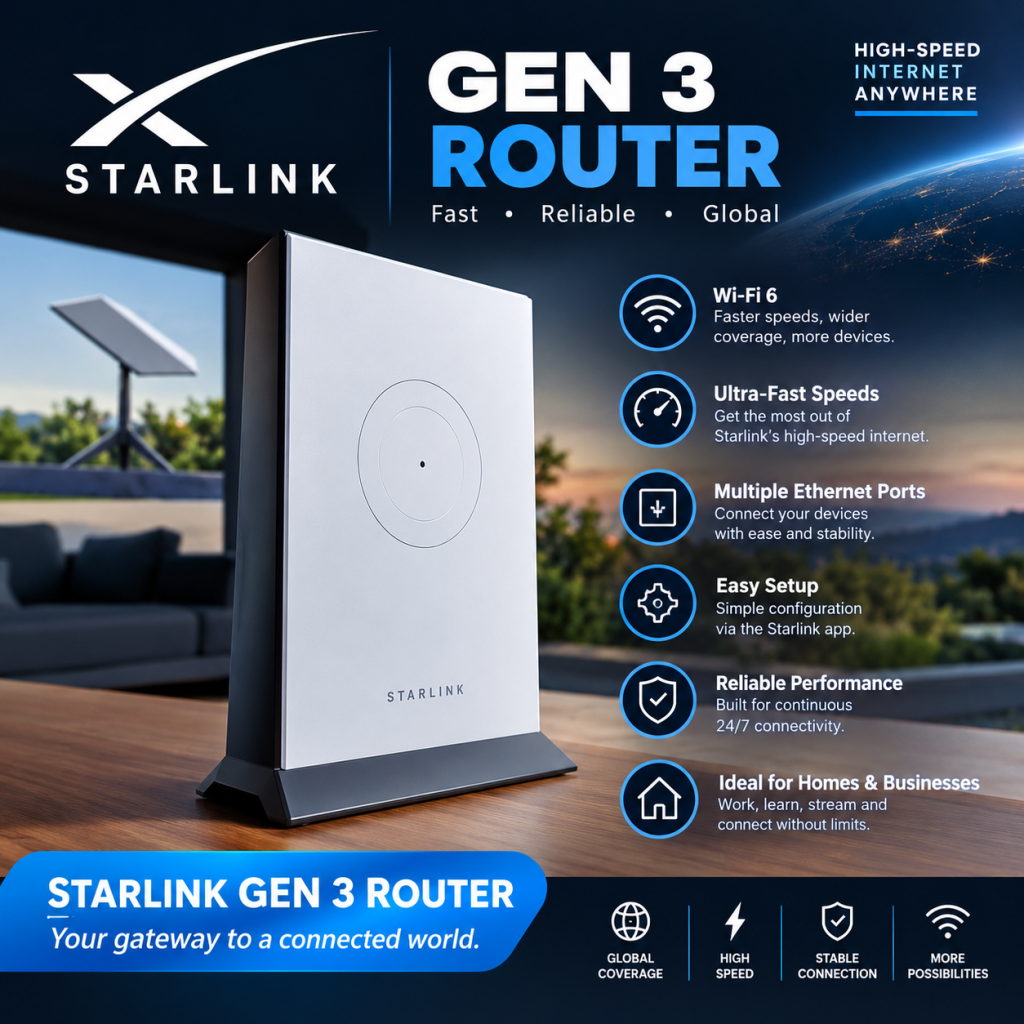
Starlink Gen 3 Router in Kenya
The Starlink Gen 3 router in Kenya can be used for residential and business internet installations. After installing the Starlink dish in a location with a suitable view of the sky, the router distributes the internet connection throughout the property.
For a small home, the Starlink Gen 3 router may provide sufficient WiFi coverage. Larger homes, offices, apartments, hotels, shops, and compounds may require additional access points or a properly designed WiFi network.
Nemster can help you design and install a network based on the size and layout of your property.
Starlink Gen 3 Router Ethernet Connection
One of the useful features of the Gen 3 Starlink router is its Ethernet connectivity.
Ethernet can be used to connect devices such as:
- Desktop computers
- Smart TVs
- Network switches
- WiFi access points
- CCTV network equipment
- MikroTik routers
- Additional networking equipment
- Wired office computers
A wired connection can be useful when a device is far from the router or when a stable connection is required.
Starlink Gen 3 Router WiFi Extension
If your Starlink Gen 3 router does not cover the entire property, you do not necessarily need to move the router.
A professional WiFi extension can be installed using additional networking equipment such as access points, network switches, Ethernet cables, or other suitable wireless networking solutions.
This can be useful for:
- Large houses
- Apartments
- Offices
- Shops
- Hotels
- Schools
- Restaurants
- Compounds
- Guest houses
- Businesses
For larger properties, Nemster can assess the building and recommend an appropriate WiFi extension design.
Starlink Gen 3 Router Setup
Proper setup is important for reliable Starlink connectivity.
A typical Starlink Gen 3 router installation involves:
1. Install the Starlink Dish
The Starlink dish should be positioned where it has a suitable view of the sky. The mounting location should also be secure and appropriate for the property.
2. Connect the Starlink Equipment
The dish, Starlink cable, and router are connected according to the Starlink hardware configuration.
3. Power the System
The Starlink equipment is connected to the appropriate power source.
4. Configure the WiFi
The Starlink app can be used to configure the WiFi network name and password.
5. Test the Internet
After configuration, the connection should be tested using phones, laptops, or other network devices.
6. Extend the Network if Required
If additional areas require coverage, access points, Ethernet cabling, switches, or other network equipment can be installed.
Starlink Gen 3 Router for Home
The Starlink Gen 3 router for home use is suitable for connecting everyday devices such as:
- Smartphones
- Laptops
- Smart TVs
- Tablets
- Gaming devices
- Printers
- Smart home devices
- CCTV equipment
For larger homes, WiFi coverage should be planned according to walls, floors, building materials, distance, and the number of connected devices.
Starlink Gen 3 Router for Business
Businesses may require more than the standard WiFi coverage provided by a single router.
A business installation can include a Starlink Gen 3 router together with:
- MikroTik routers
- Network switches
- WiFi access points
- Cat 6 Ethernet cables
- PoE equipment
- CCTV networking
- Guest WiFi
- Hotspot management
- Network segmentation
Nemster can assist with Starlink business installation and networking in Kenya depending on the requirements of the site.
Starlink Gen 3 Router and MikroTik
A Starlink Gen 3 router can also be incorporated into a more advanced network.
For example, a business may use Starlink as the internet source and connect networking equipment such as a MikroTik router for additional network management.
This can be useful for networks requiring:
- User management
- Bandwidth control
- Guest WiFi
- Hotspot systems
- Multiple access points
- Network monitoring
- Advanced routing
The correct configuration depends on the customer’s network design and equipment.
Starlink Gen 3 Router for WiFi Hotspot
Starlink can also be used as an internet source for a managed WiFi hotspot.
A typical setup may include:
Starlink → Router → Network Switch → Access Points → Users
For a hotspot business, additional equipment and configuration may be required to manage customers, bandwidth, authentication, and payment systems.
Nemster provides networking and WiFi installation services for businesses and properties that require expanded wireless coverage.
Starlink Gen 3 Router Troubleshooting
If your Starlink Gen 3 router is not providing internet, several things can be checked.
Check the Starlink App
The Starlink app can provide information about the connection and equipment status.
Check the Cables
Loose or damaged cables can cause connectivity problems. Check the connections between the dish, router, and power equipment.
Check for Obstructions
Objects such as trees, buildings, poles, and other structures can interfere with the Starlink dish’s view of the sky.
Check WiFi Coverage
If the internet works close to the router but becomes weak in other rooms, the issue may be WiFi coverage rather than the Starlink connection itself.
Consider WiFi Extension
Additional access points or Ethernet networking may be required for large properties.
Starlink Gen 3 Router Installation in Nairobi
Nemster provides Starlink Gen 3 router installation in Nairobi and surrounding areas.
Installation services can include:
- Starlink dish installation
- Starlink Gen 3 router setup
- WiFi configuration
- Ethernet networking
- WiFi extension
- Access point installation
- Network troubleshooting
- CCTV networking
- MikroTik configuration
- Business WiFi installation
Contact 0714135799 for Starlink installation and networking services.
Starlink Gen 3 Router Installation in Kenya
Whether you need Starlink for a home, office, shop, apartment, farm, school, hotel, or business, the installation should be planned according to your location and network requirements.
A professional installation can help ensure that the Starlink dish is securely mounted and that the router and network equipment are properly configured.
Nemster offers Starlink installation and networking services in Kenya.
Frequently Asked Questions About Starlink Gen 3 Router
Is the Starlink Gen 3 router good for home use?
The Gen 3 router is designed to distribute Starlink internet through WiFi and wired Ethernet connections. The required equipment depends on the size of the home and the number of connected devices.
Can I connect Ethernet to the Starlink Gen 3 router?
Yes. The Gen 3 router includes Ethernet connectivity, allowing compatible wired network devices to be connected.
Can I extend Starlink Gen 3 WiFi?
Yes. WiFi coverage can be extended using suitable access points, Ethernet cabling, switches, or other compatible networking equipment.
Can Starlink Gen 3 connect to a MikroTik router?
Starlink can be integrated into a network using third-party networking equipment such as MikroTik, depending on the required network configuration.
Can Starlink Gen 3 be used for a business?
Yes. Starlink can provide internet connectivity for businesses. Larger business networks may require additional routers, switches, access points, and structured cabling.
Do I need a WiFi extender for Starlink Gen 3?
Not necessarily. It depends on the size and construction of your property. If the router does not provide adequate coverage, additional access points or another suitable WiFi solution may be installed.
Starlink Gen 3 Router Kenya – Professional Installation
A reliable Starlink installation involves more than simply placing the dish and connecting the router. The dish location, cable routing, power, WiFi coverage, Ethernet connections, and network requirements should all be considered.
If you need a Starlink Gen 3 router installation in Kenya, Starlink WiFi extension, networking, troubleshooting, or business WiFi setup, contact Nemster.
Call or WhatsApp: 0714135799
Nemster – Professional Starlink, WiFi, CCTV, Networking, Solar and Electrical Installation in Kenya.